IQ Mobile
IQ Portal — Topping Up and Checking Your Usage
The portal allows you to see how much data you are using on each SIM and top up with just a few clicks.
Purchasing Data
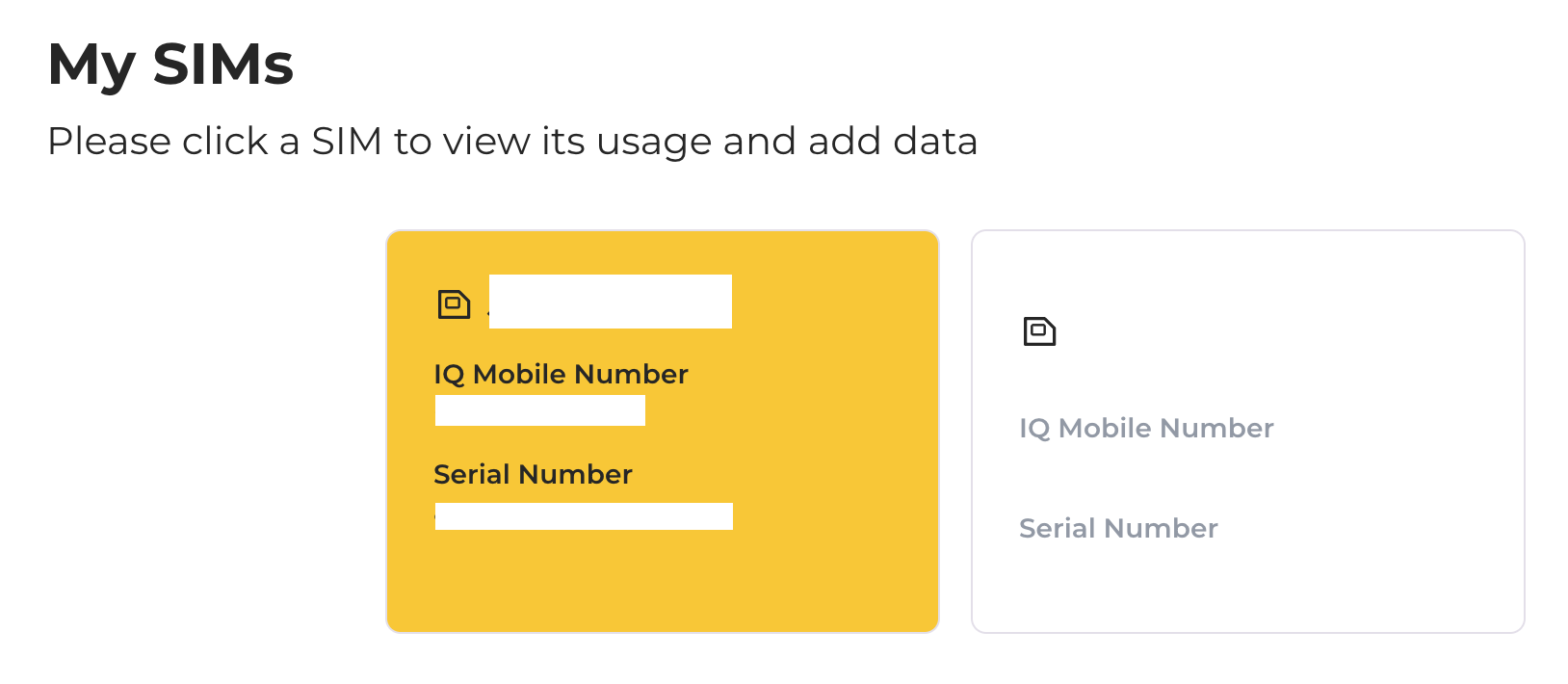
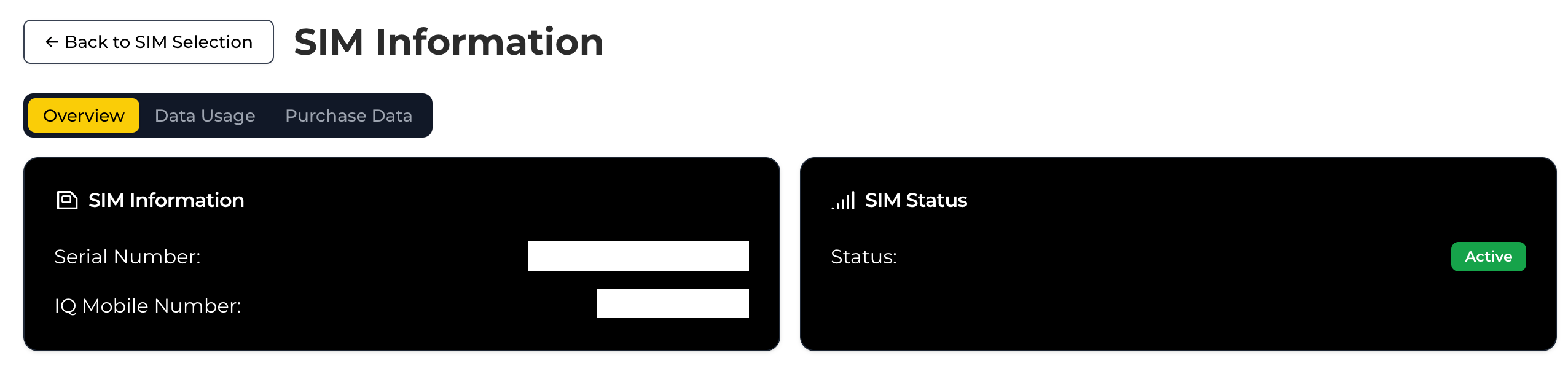
From the My SIMs page, hover over and click the desired SIM.
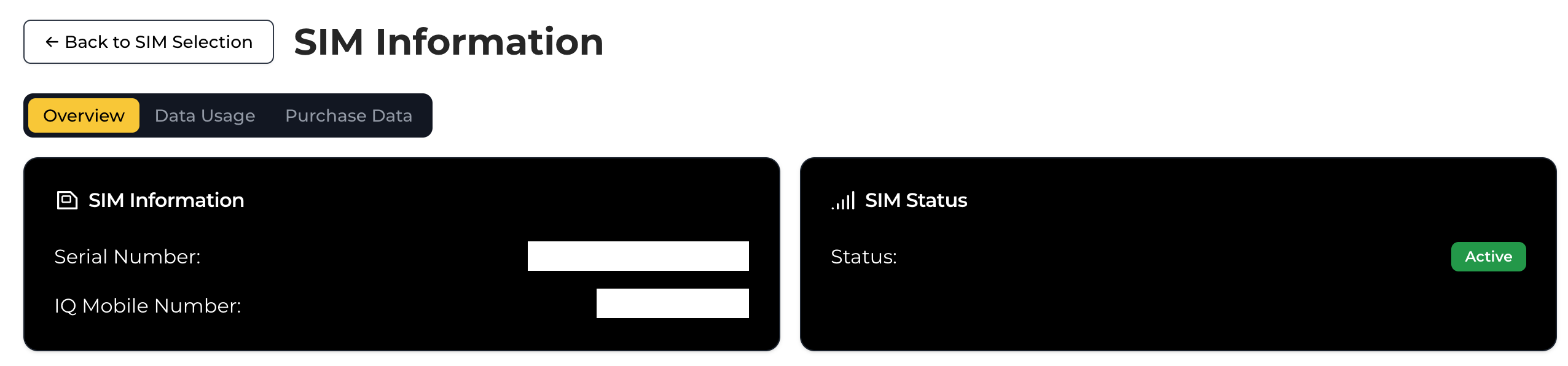
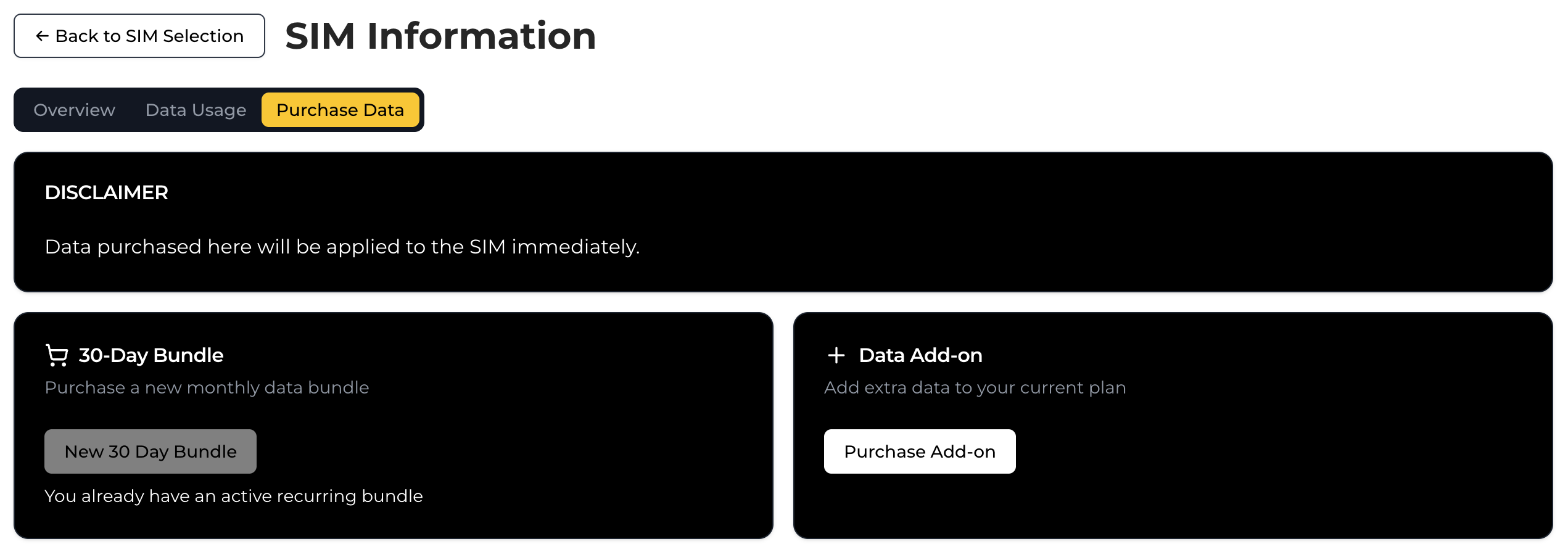
Select "Purchase Data" from the top menu.
Choose an option:
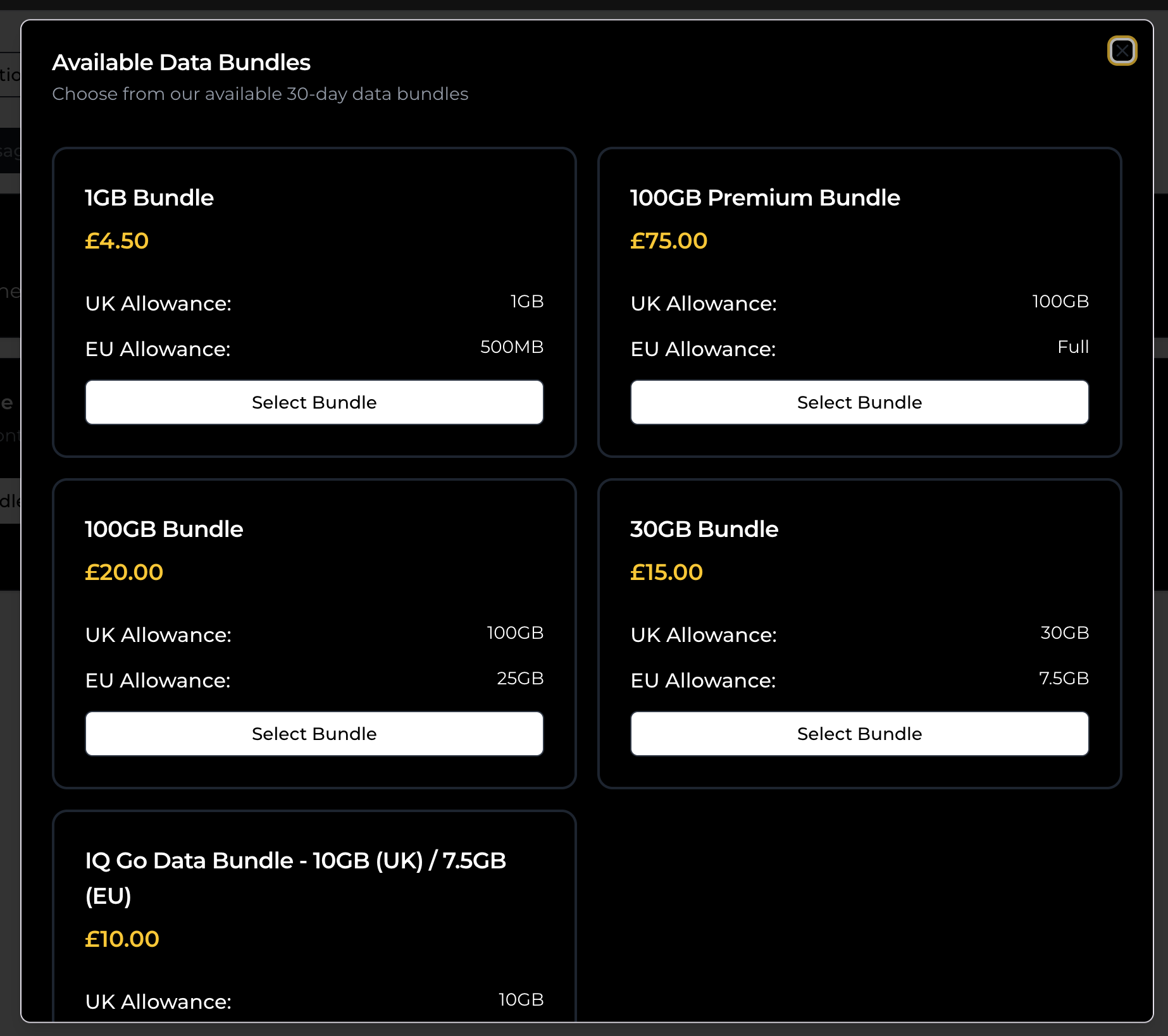
New Bundle (if no 30-day bundle exists)
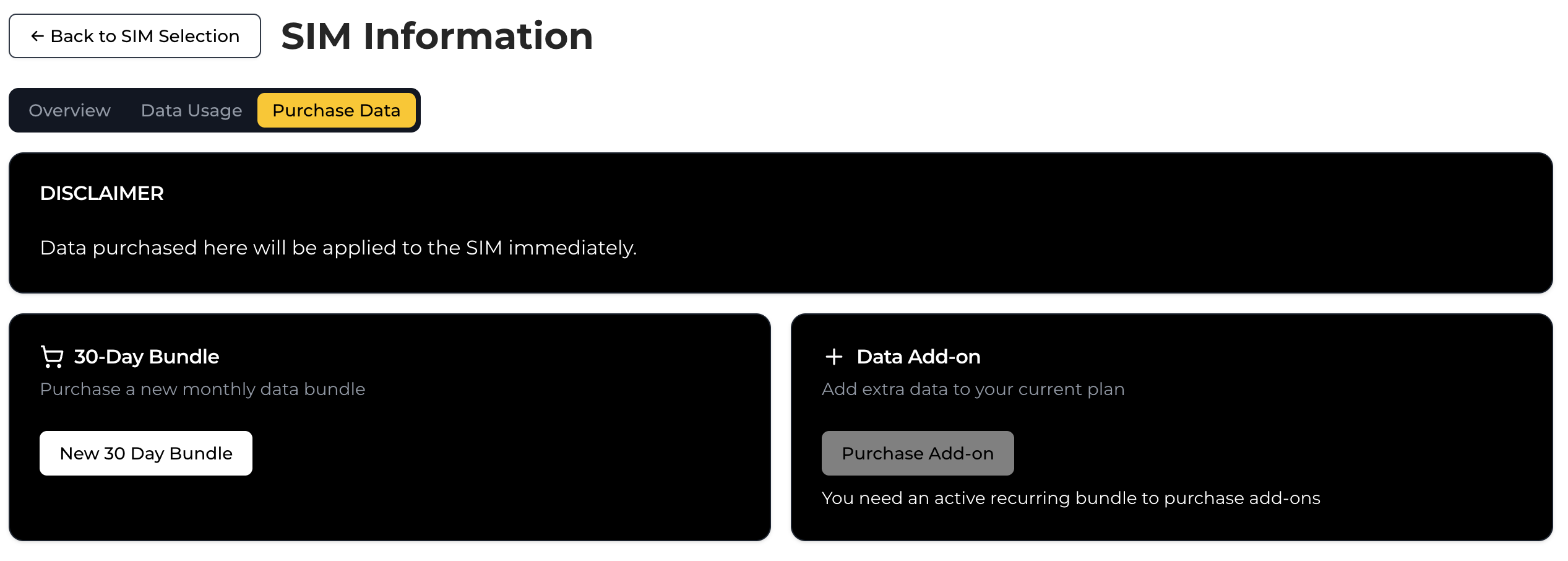
Add-ons (if a 30-day bundle is already active)
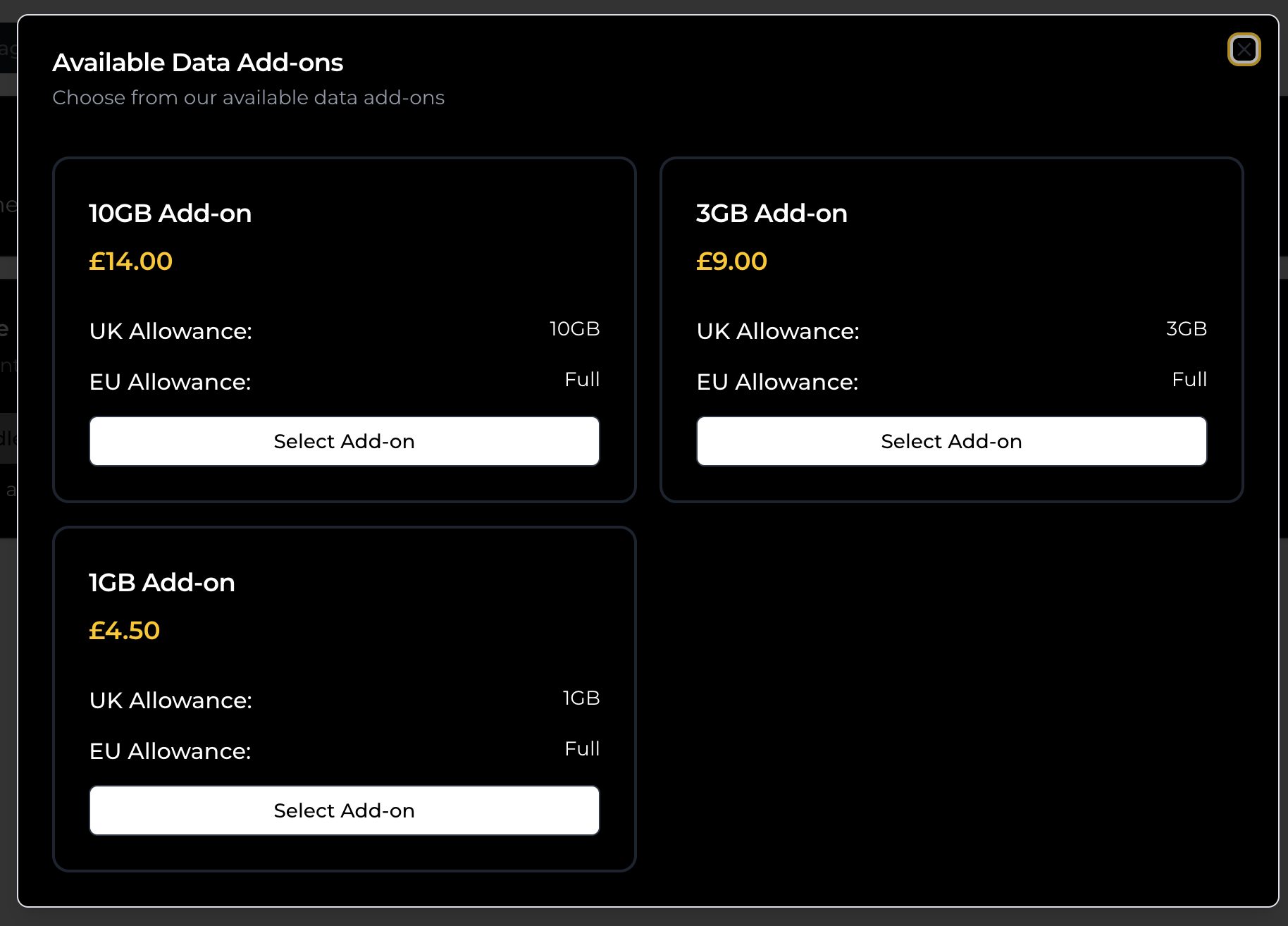
Complete the checkout form.
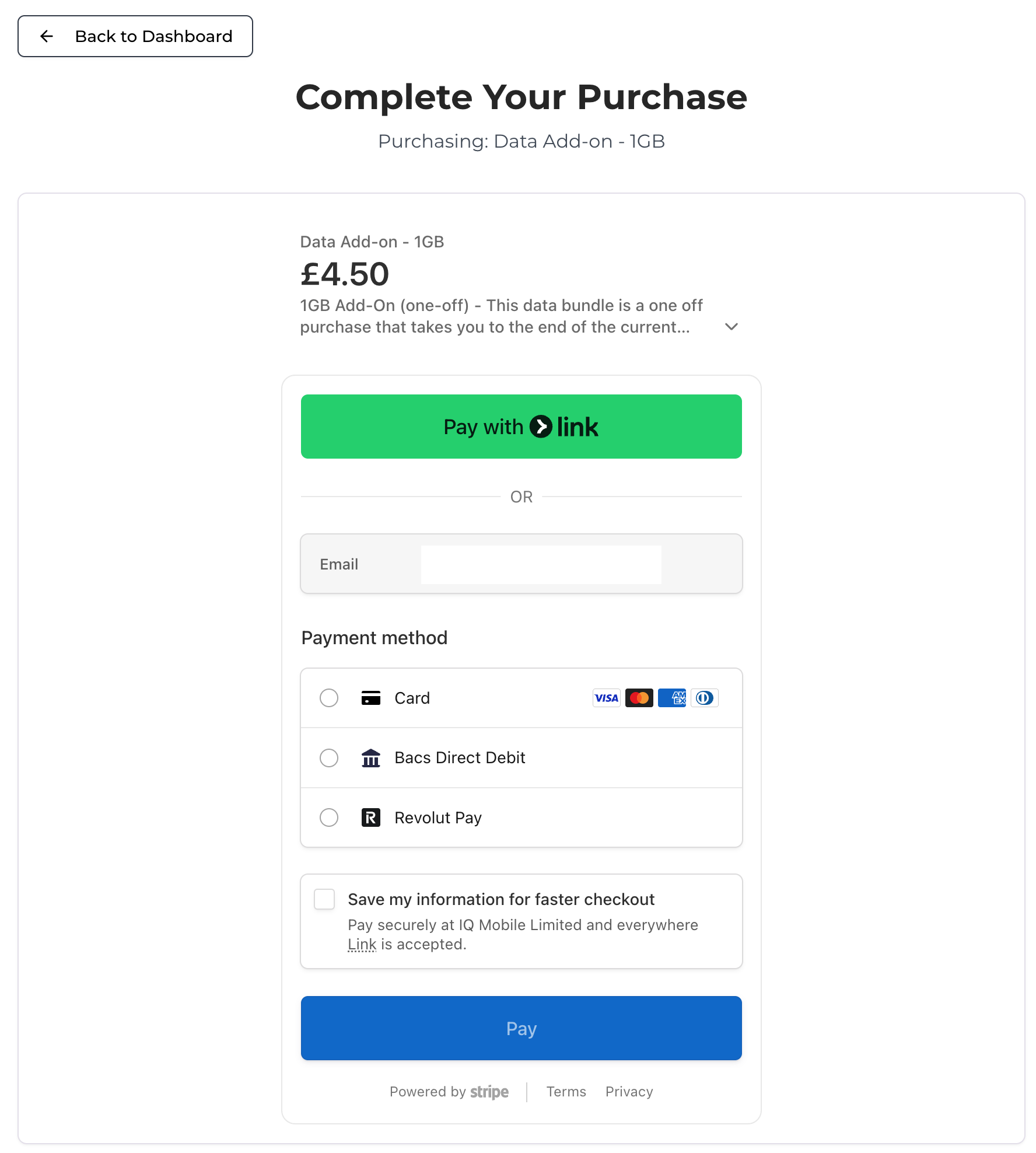
Data applies automatically within 15 minutes.
Checking Data Usage
From the My SIMs page, select the target SIM.
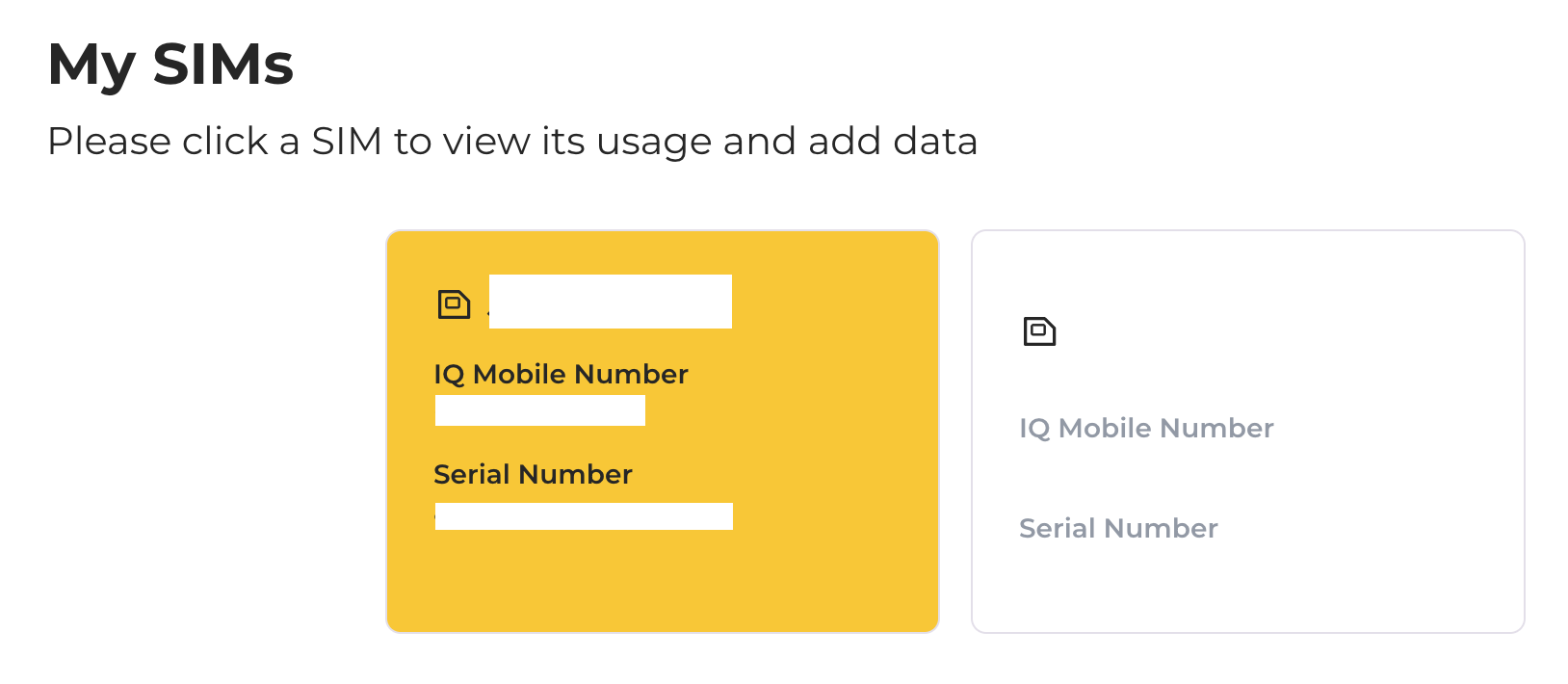
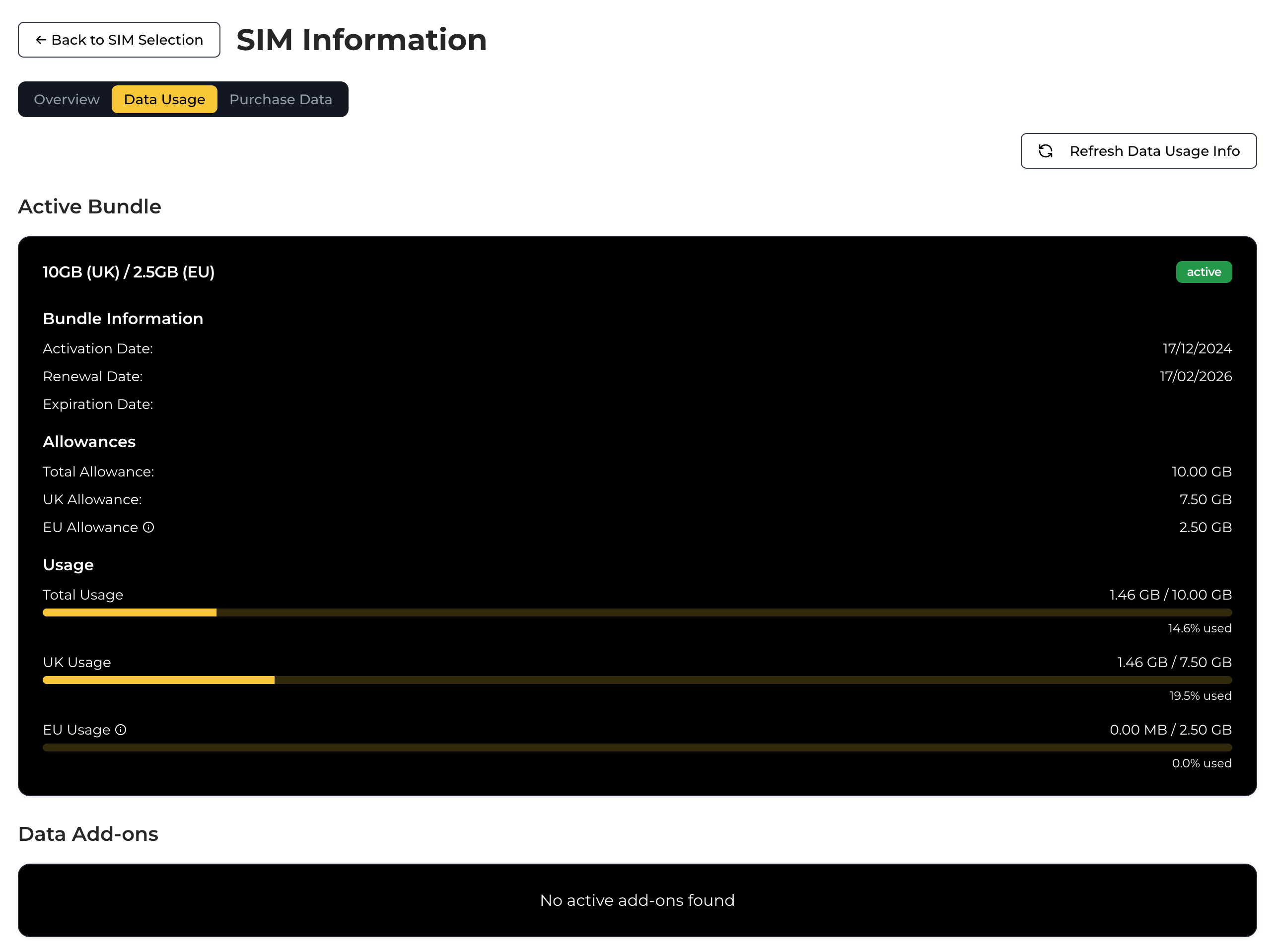
Choose "Data Usage" from the top navigation.
View active bundle and add-on details, including expiry dates and allowances.
Use the "Refresh" button to update information.
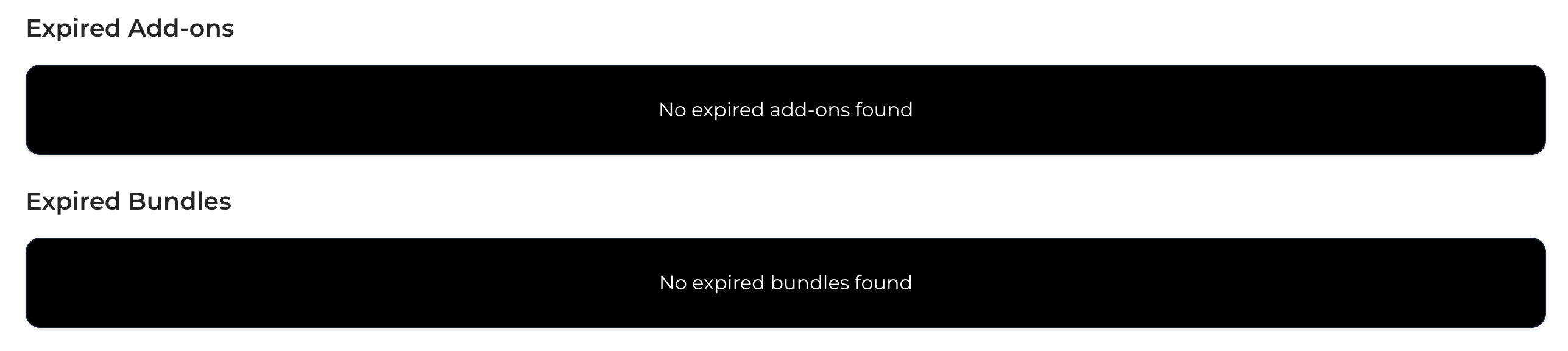
Scroll down to see expired bundles and add-ons from the previous 3 months.
Need a SIM?
Monthly SIM-only plans on the EE network — no contract, UK support, keep your number.
Still need help?
Our UK-based team is here for you