IQ Mobile
IQ Portal — Overview and Navigation
The IQ Mobile Self-Service Portal provides features designed to streamline your customer experience. Visit https://my.helloiq.uk/ to get started.
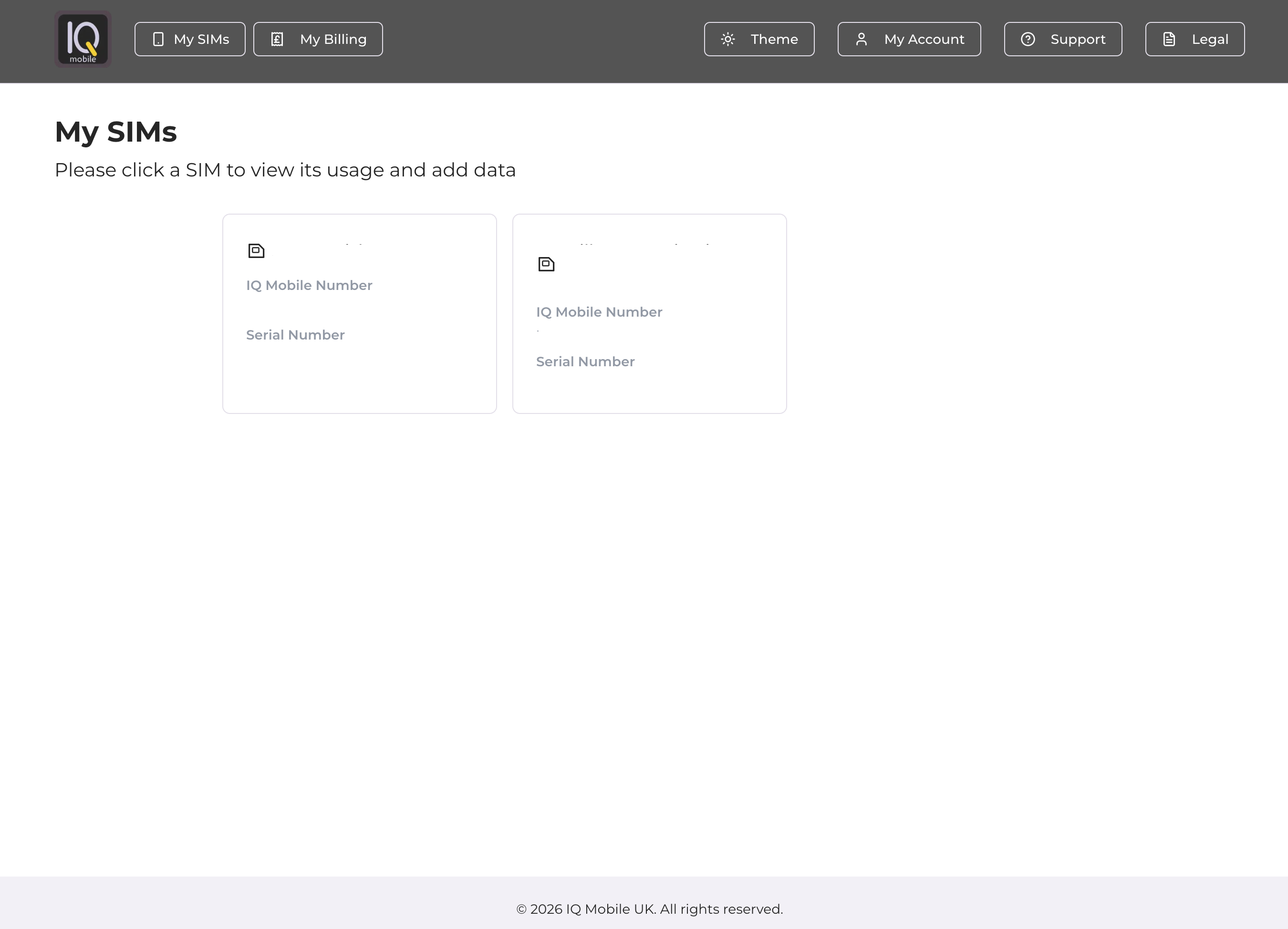
My SIMs
Upon login, you access the SIMs dashboard displaying SIMs linked to your sign-in email. If any SIMs are missing, please contact our support team. The "My SIMs" button in the navigation bar returns you to this dashboard.
My Billing
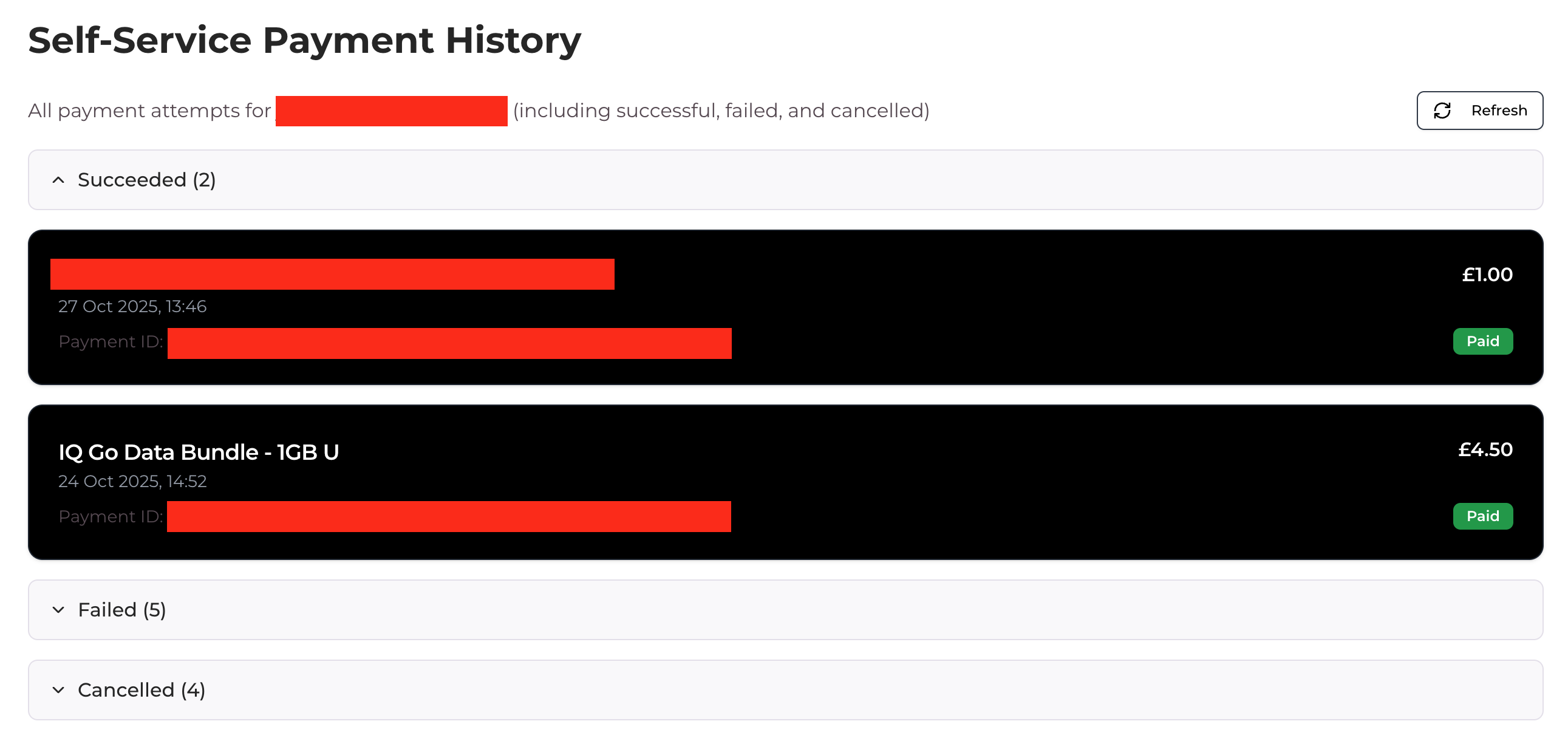
The "My Billing" dropdown menu provides access to:


- Payment History — displays all self-service portal transactions (external orders excluded)
- Payment Methods — allows you to view, add, or delete saved payment methods and set a default for top-ups
Theme
Customise your dashboard appearance by selecting light mode, dark mode, or your system's default theme via the Theme dropdown.


My Account / Logout
The "My Account" button in the top navigation provides logout functionality.


Support
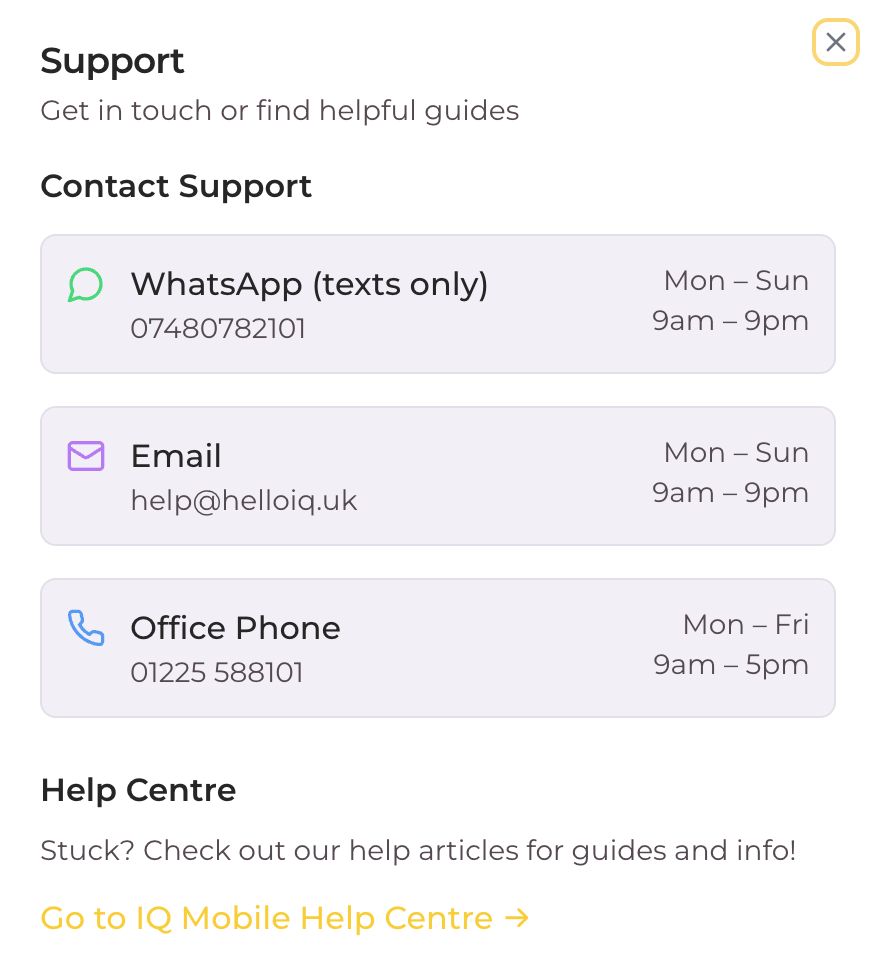
The Support button displays contact information including WhatsApp, email, phone support, and a Help Centre link.

Legal
The Legal dropdown menu provides access to our Terms of Service, Privacy Policy, Refund Policy, and Fair Usage Policy documents.


Need a SIM?
Monthly SIM-only plans on the EE network — no contract, UK support, keep your number.
Still need help?
Our UK-based team is here for you