IQ Mobile
IQ Portal — Signing Up, Signing In & Forgot Password
The self-service portal can be accessed at https://my.helloiq.uk/
If this is your first time using the IQ Mobile Self-Service Portal, you will need to create a new account. This site uses separate accounts to our online shop — logging in with your shop details will not work.
Signing Up
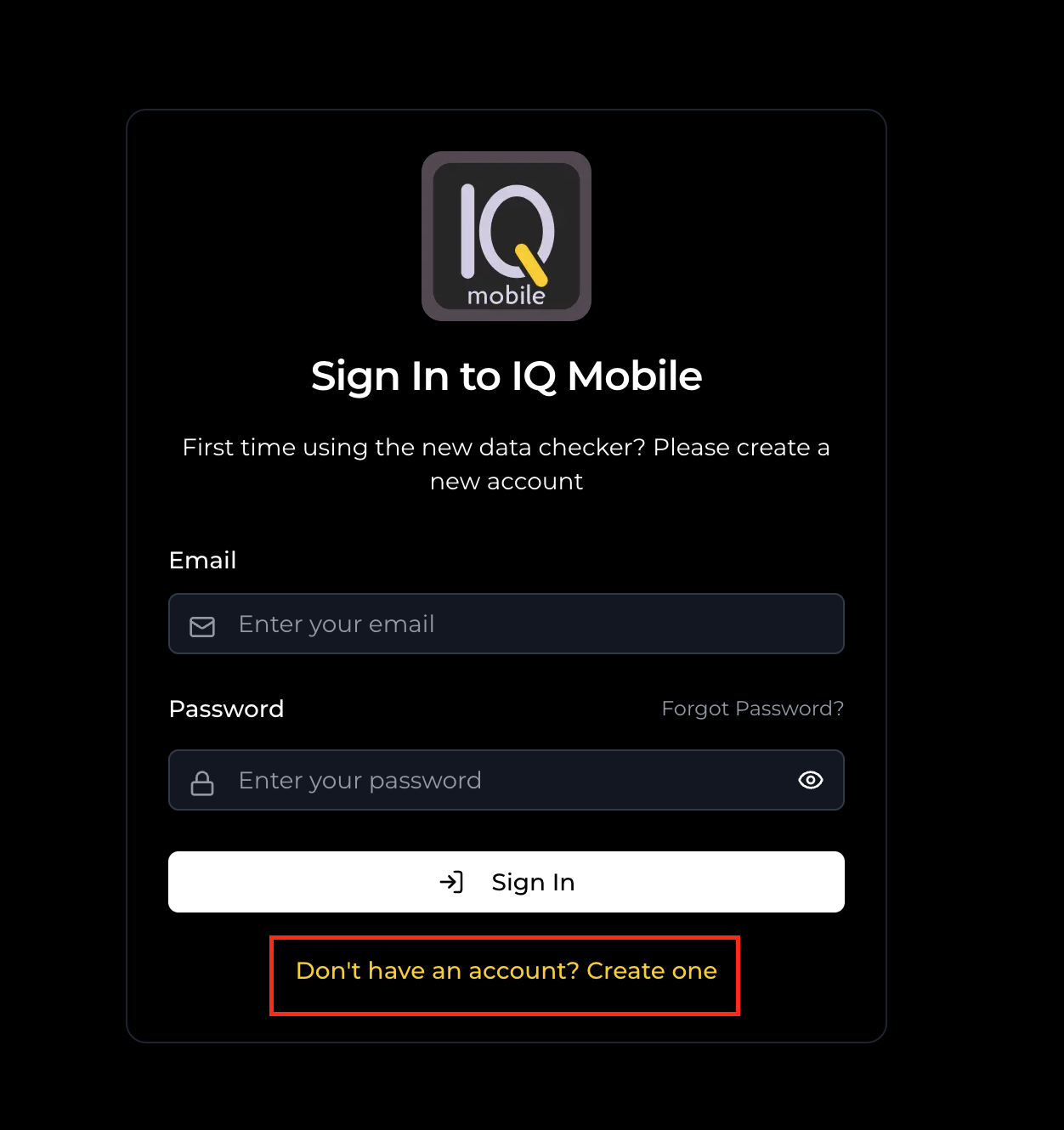
Press the "Don't have an account? Create one" button at the login page.
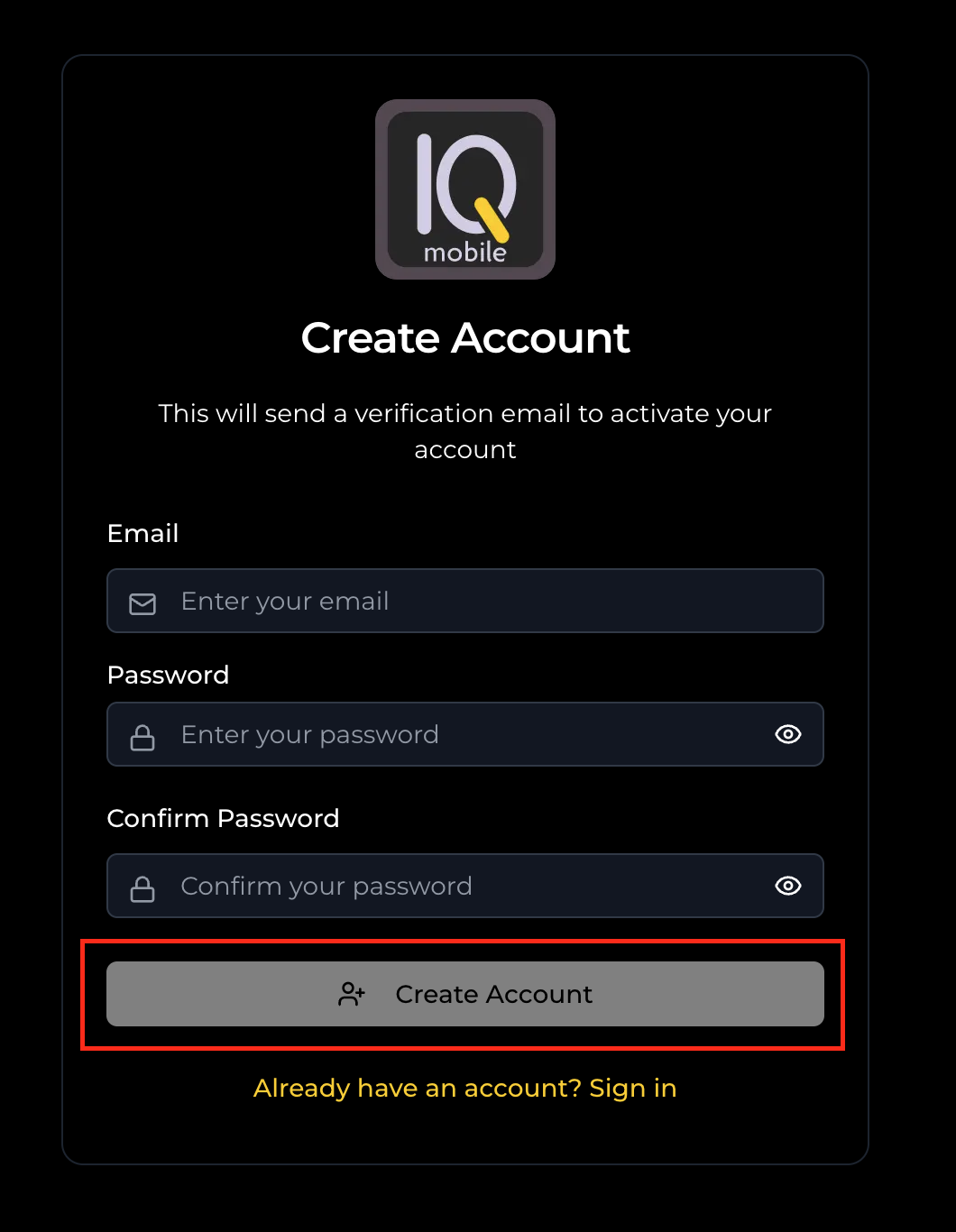
Provide an email address (we recommend using the same email from your SIM order) and set a password.
Confirm the password and select "Create Account".
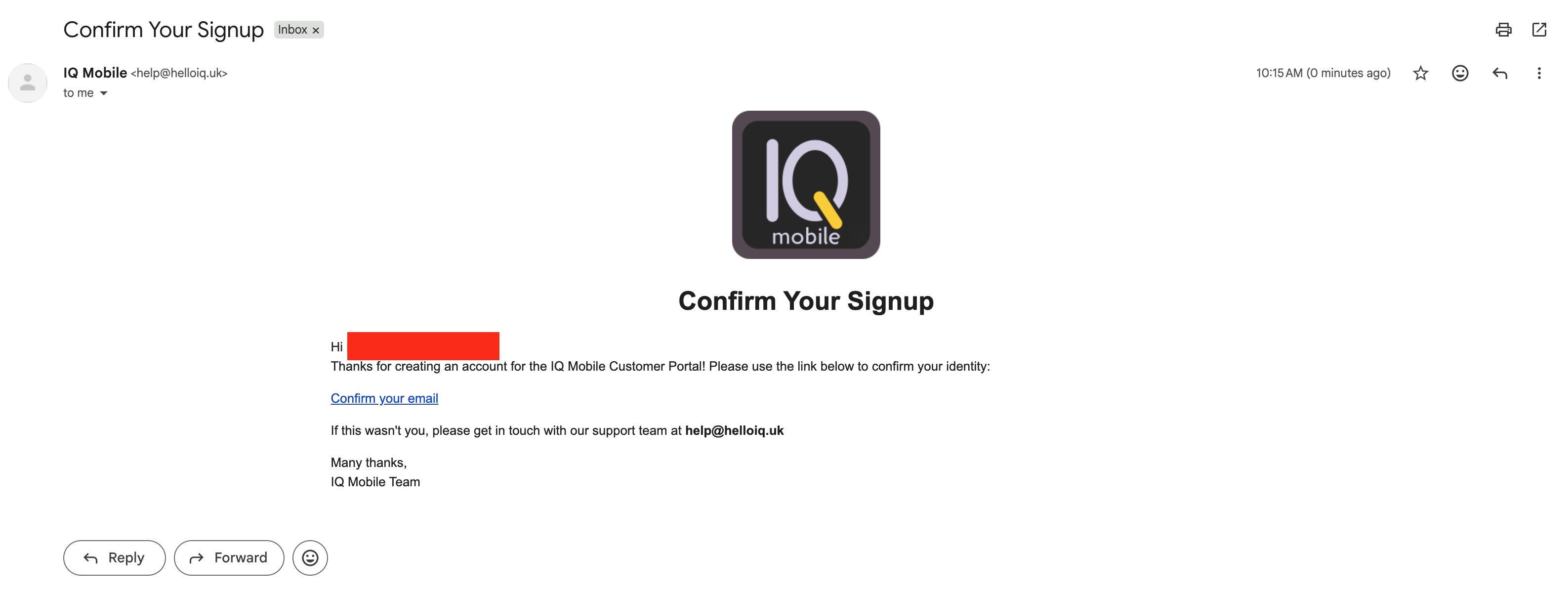
A confirmation email will arrive from help@helloiq.uk — click the confirmation link to complete registration and access your dashboard.
Signing In
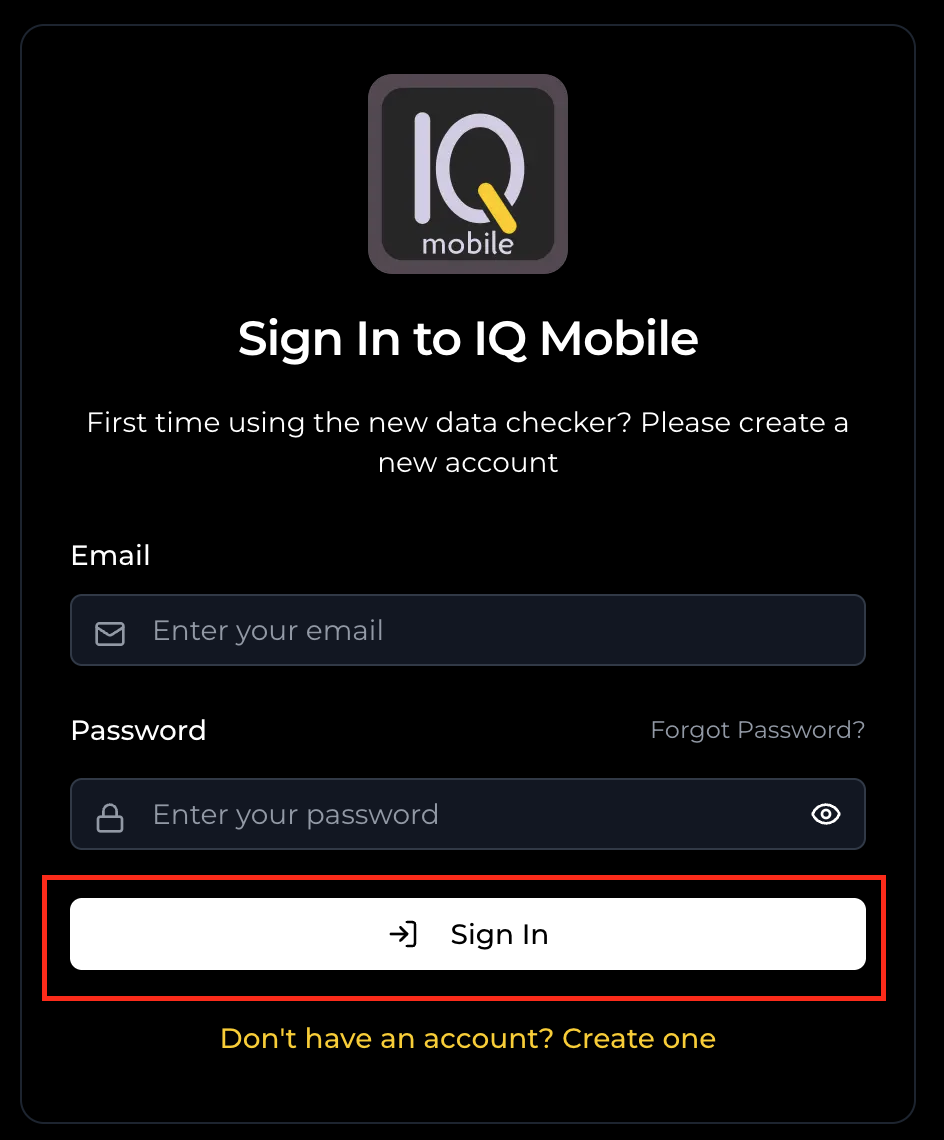
Enter your email and password credentials for your existing account, then press "Sign In".
Forgot Password
Select "Forgot Password?" on the login page.
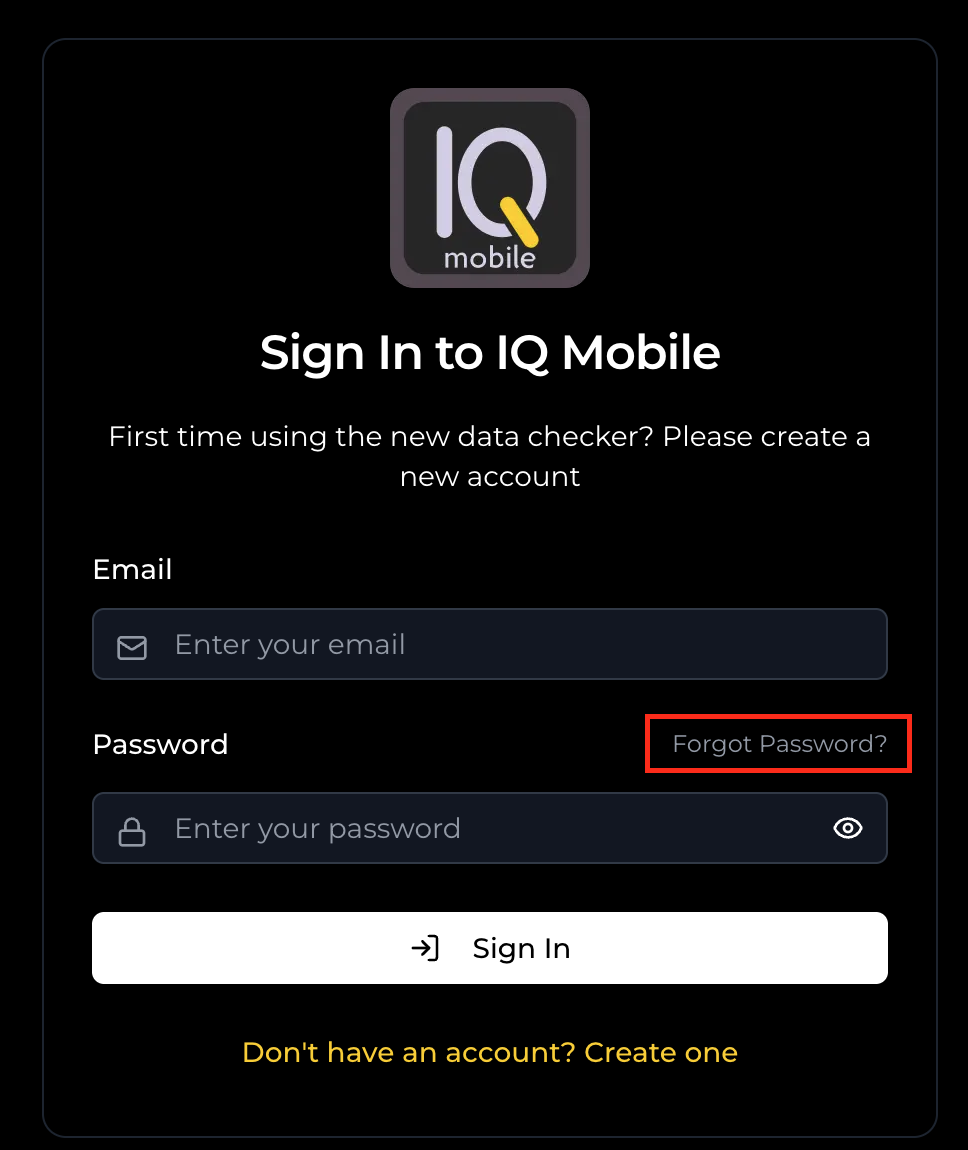
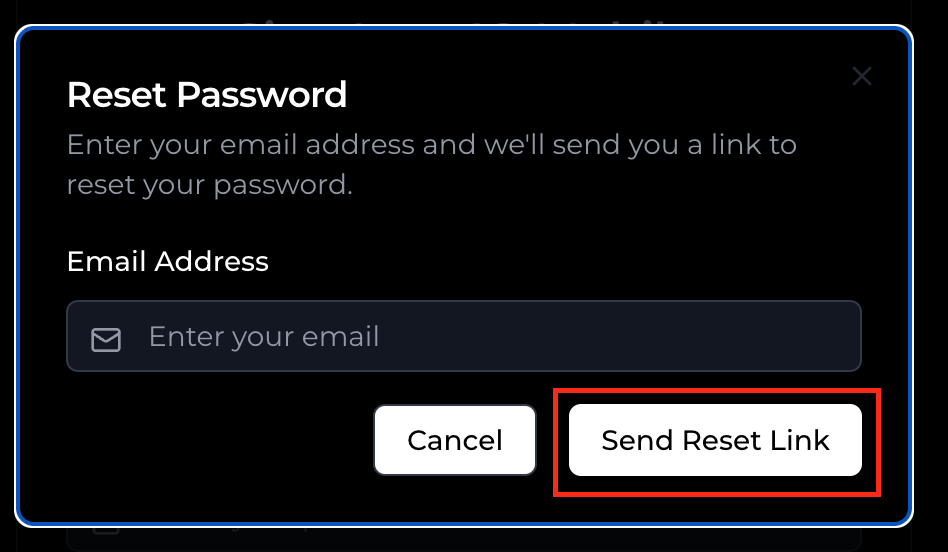
Enter your account email and click "Send Reset Link".
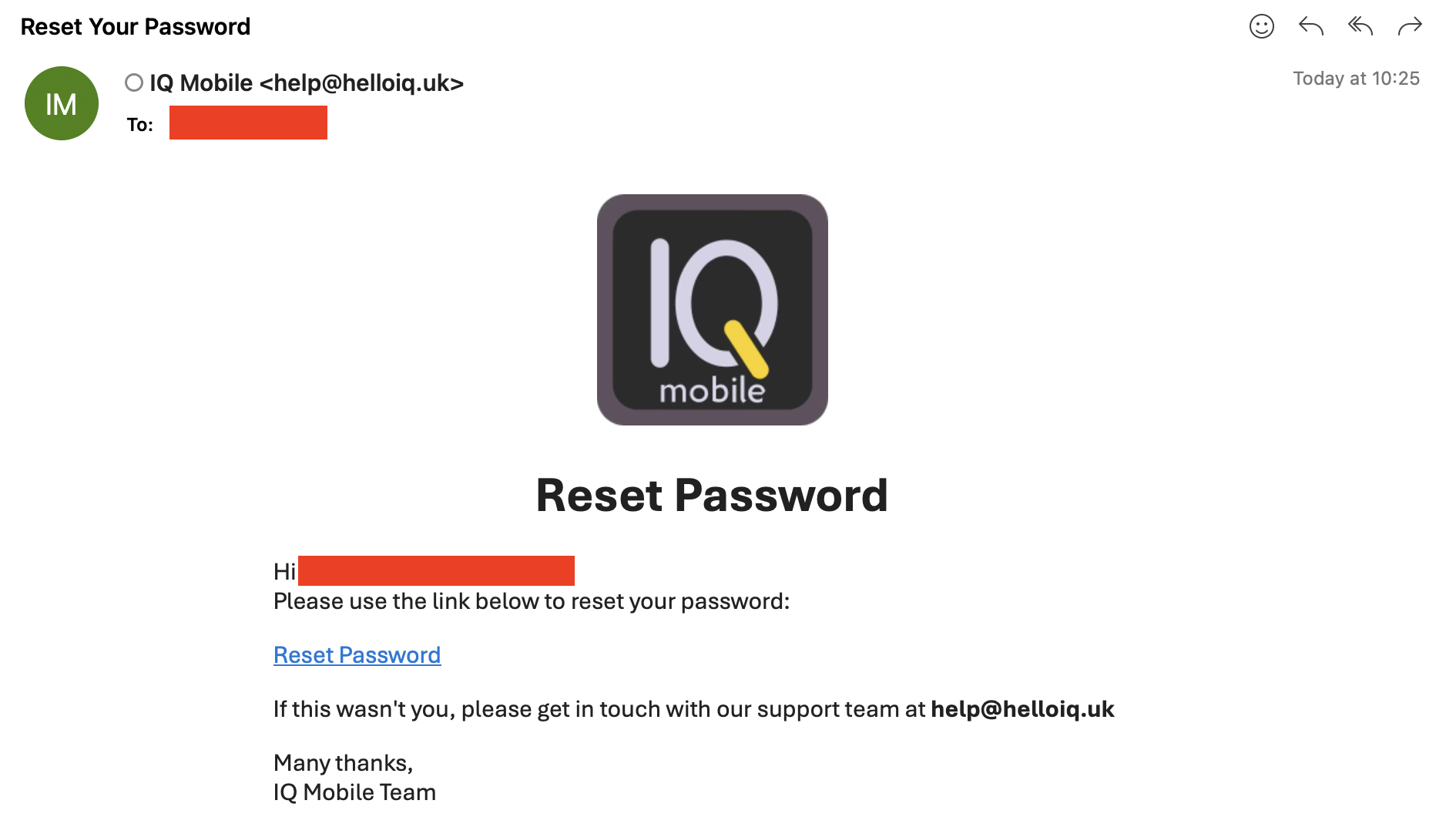
Check for an email from help@helloiq.uk containing a reset link.
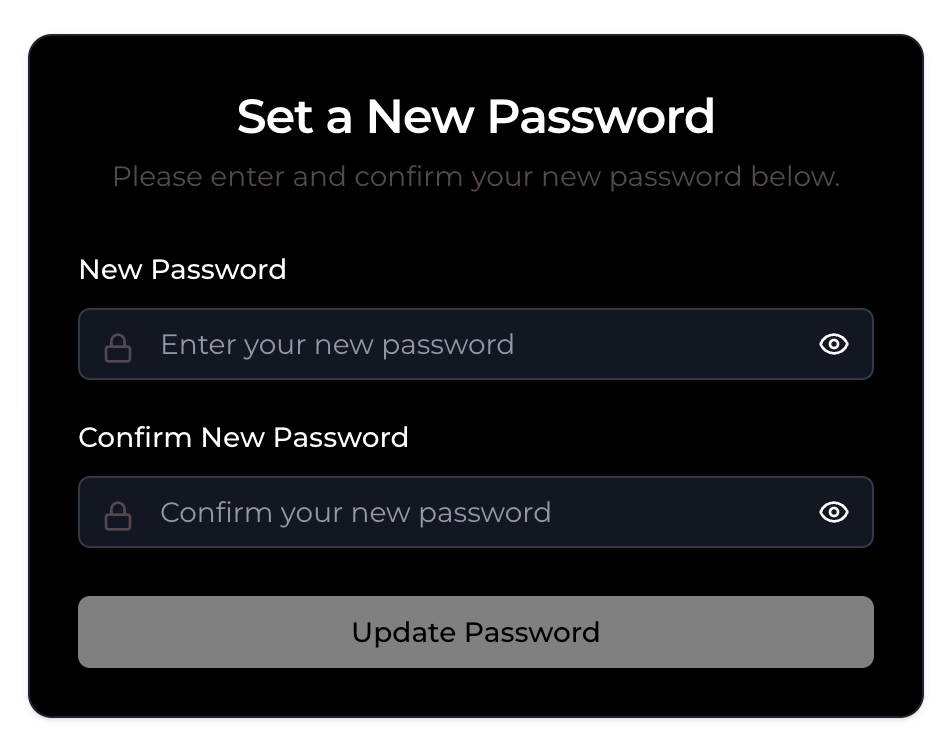
Click the link, enter your new password twice, and select "Update Password" to complete the process.
Need a SIM?
Monthly SIM-only plans on the EE network — no contract, UK support, keep your number.
Still need help?
Our UK-based team is here for you