Router Configuration
ZTE U50 — Configuration Guide
Step 1: Unboxing and SIM Installation
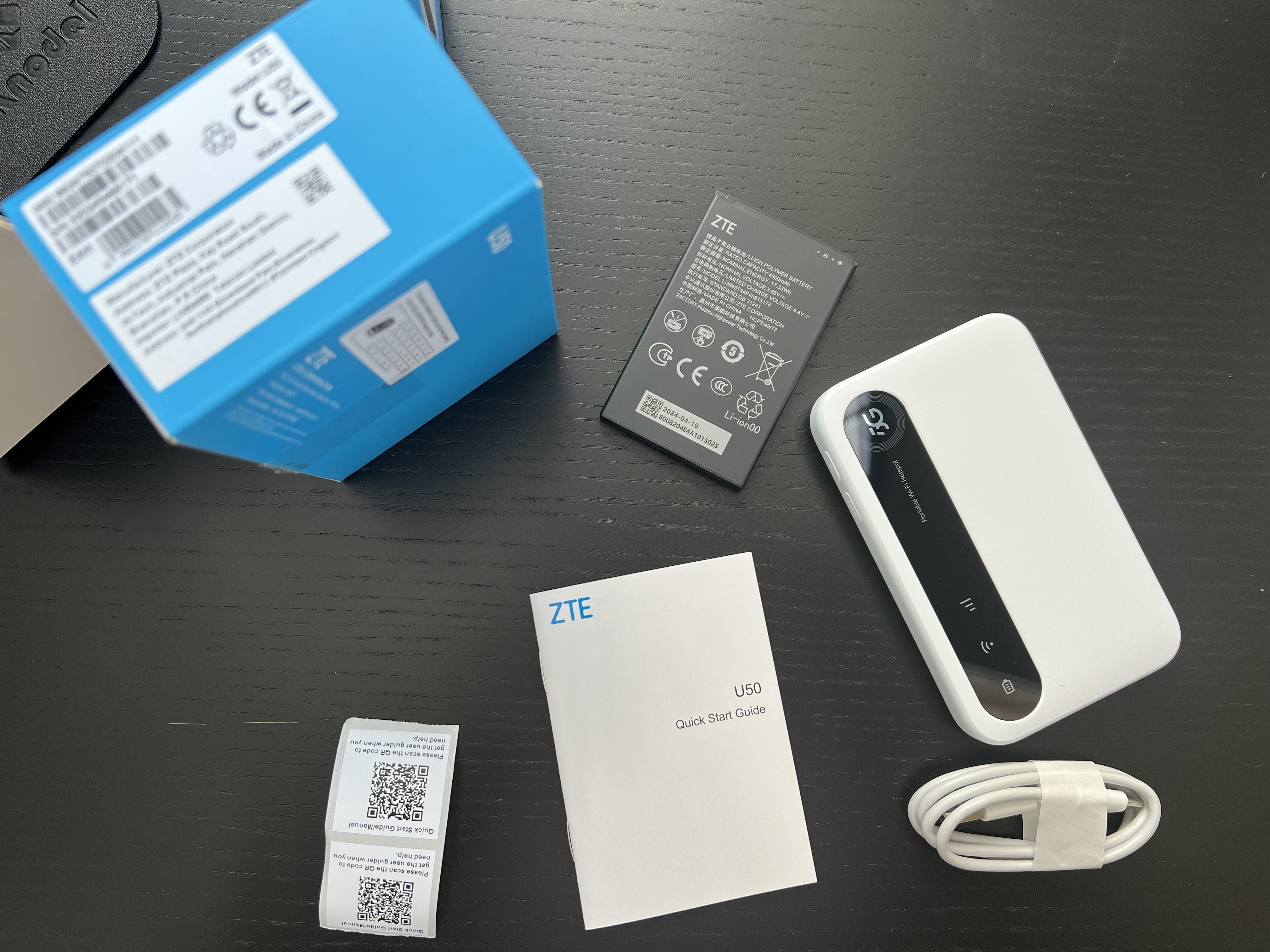
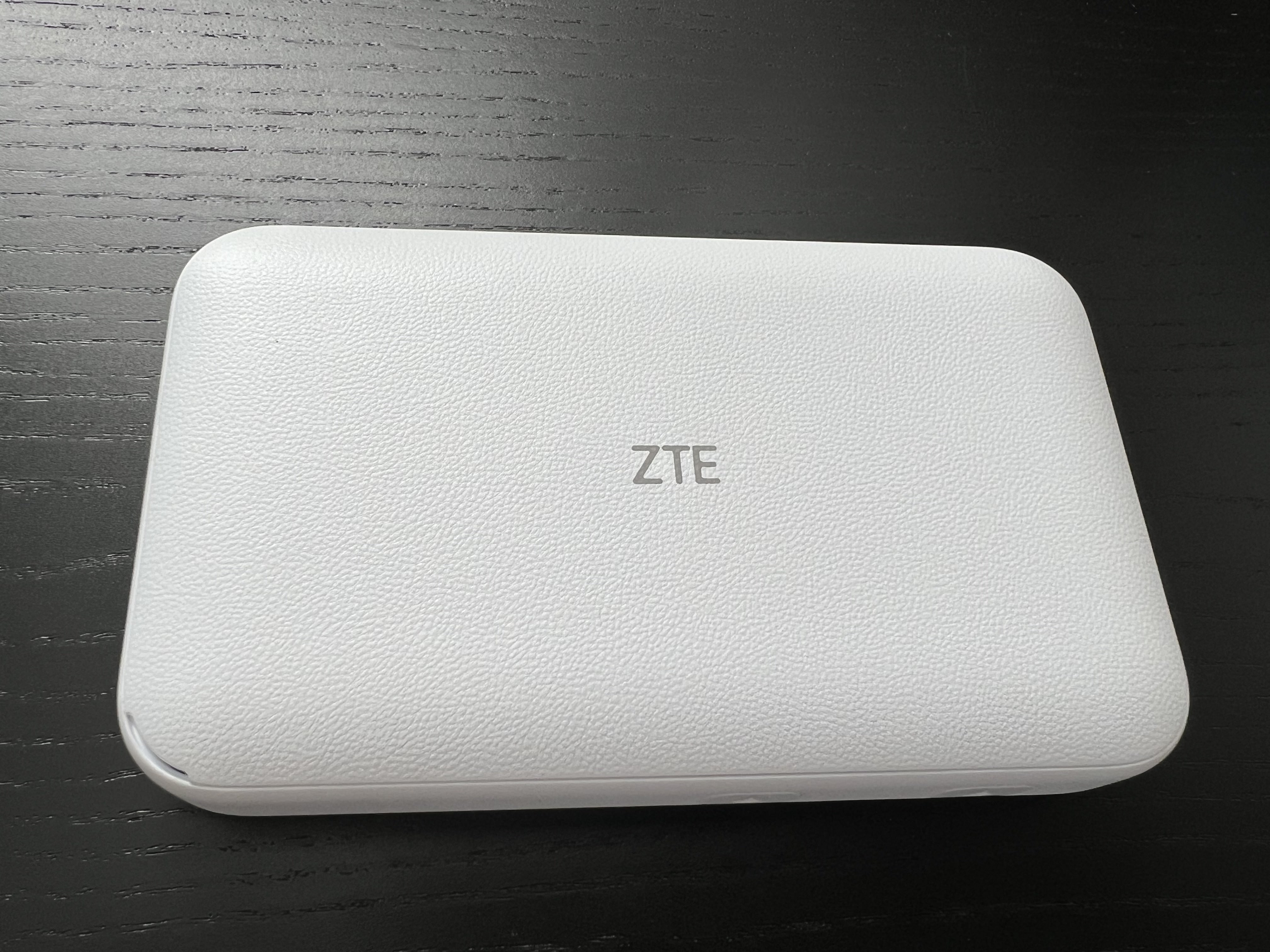
Unbox the device and verify all components are present: router, battery, charging cable, back cover, quick start guide, and QR code stickers.
The device requires a NANO SIM card, inserted into a slot with a cut-off corner that slides under the metal housing. Pop the SIM from its original housing until it reaches the smallest (NANO) form factor.
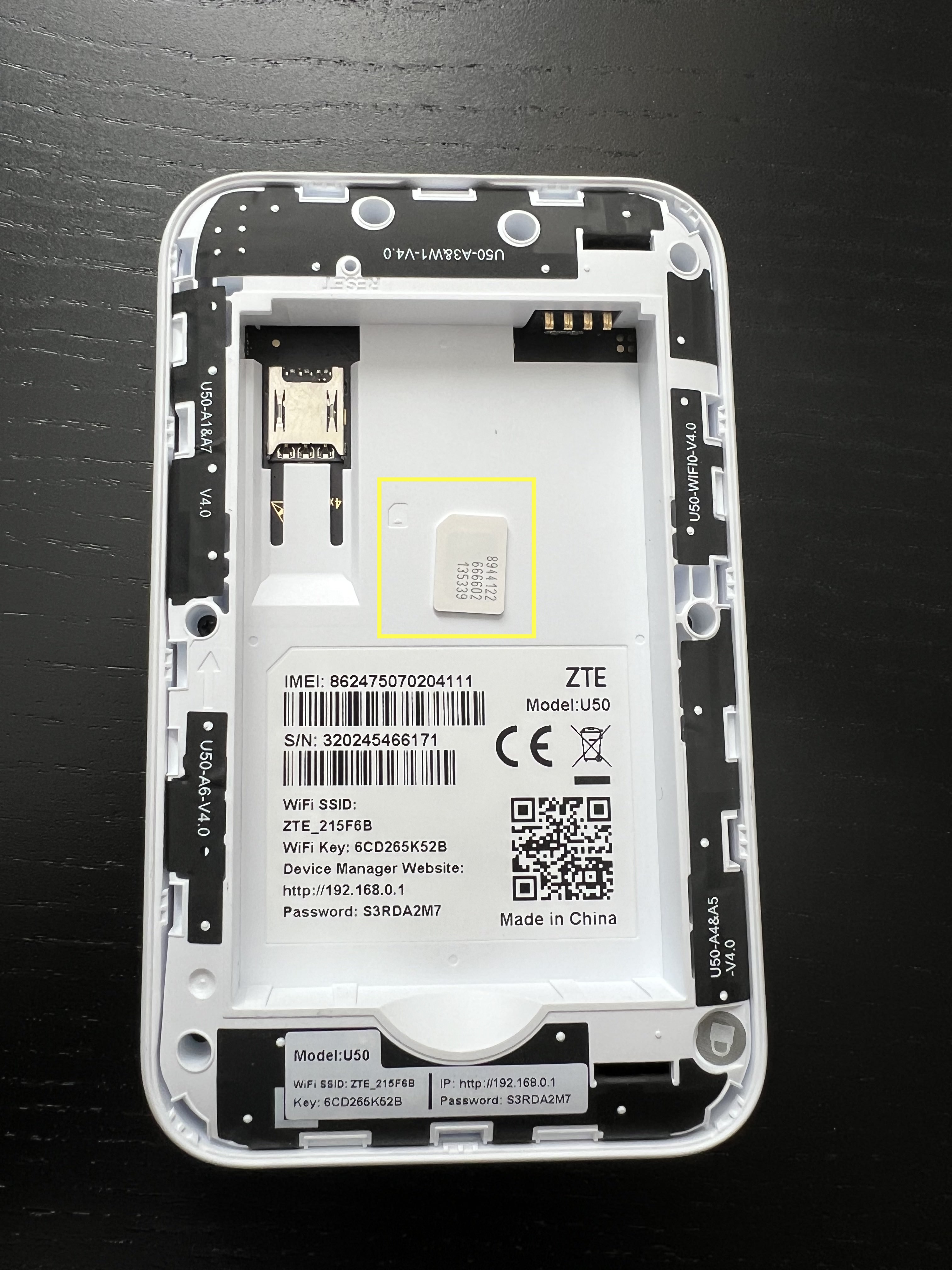
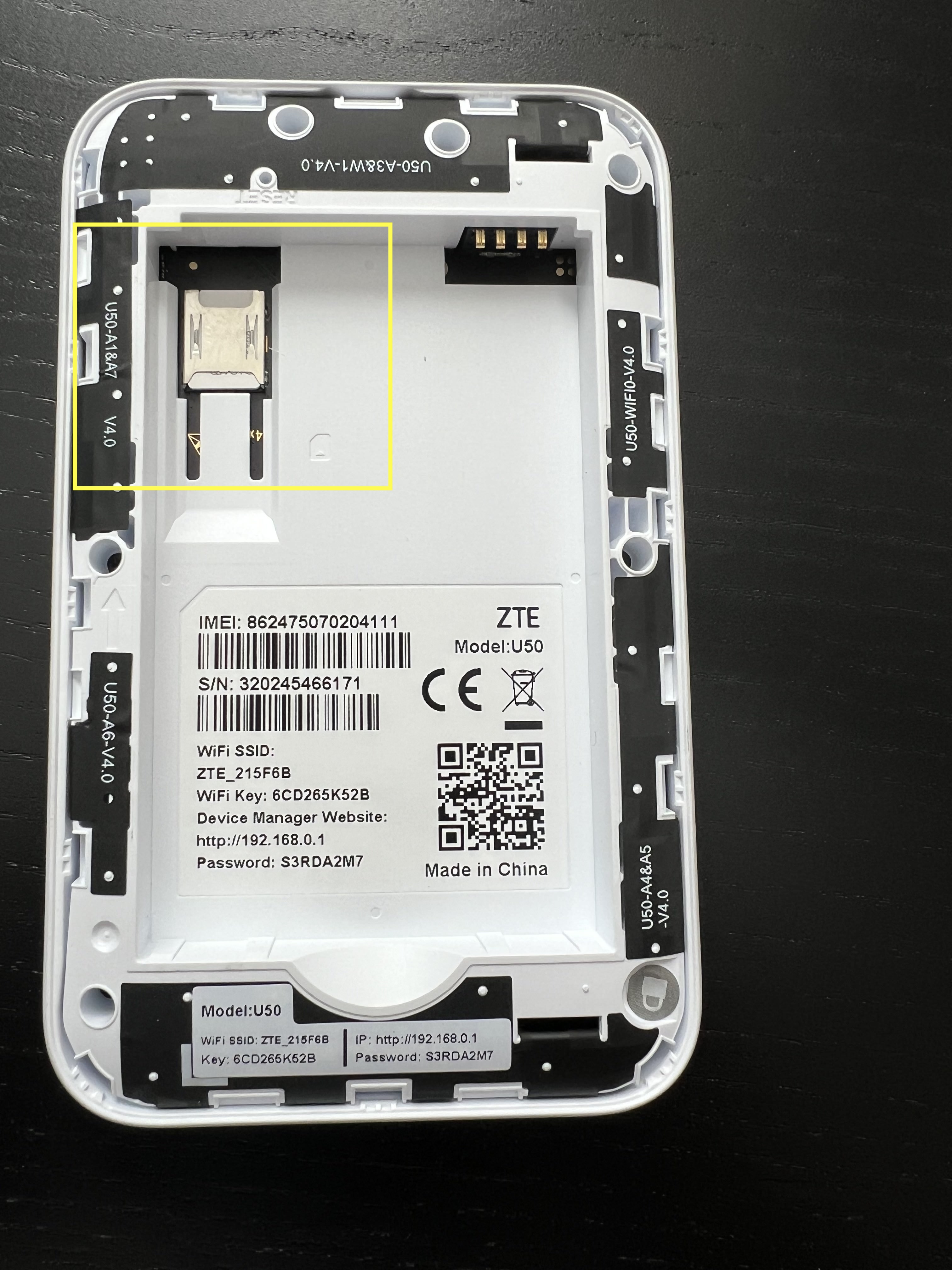
Step 2: Device Assembly
- Insert the battery, ensuring the gold pins align with the router pins.
- Note the information on the sticker inside the device.
- Replace the back cover.
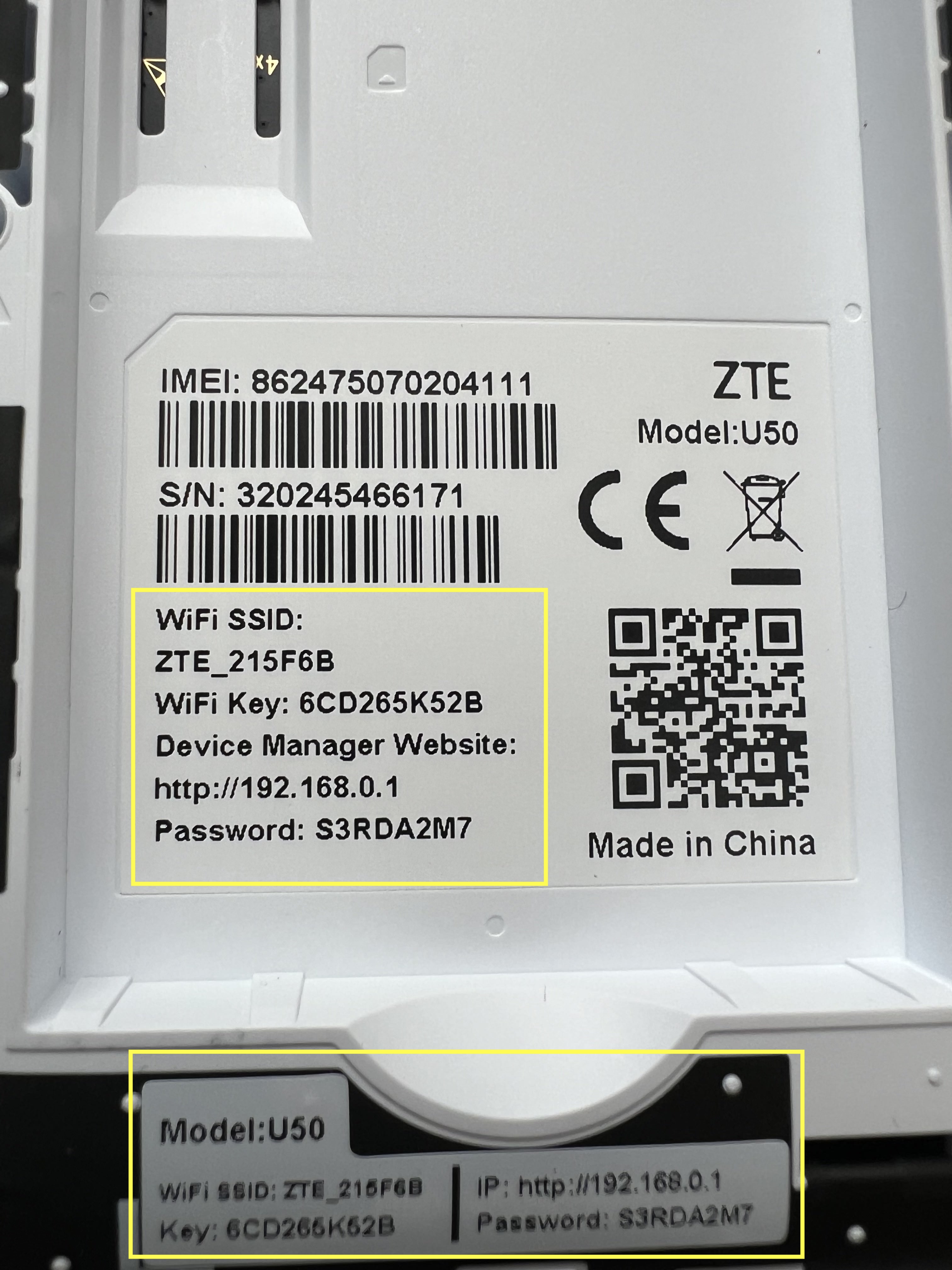
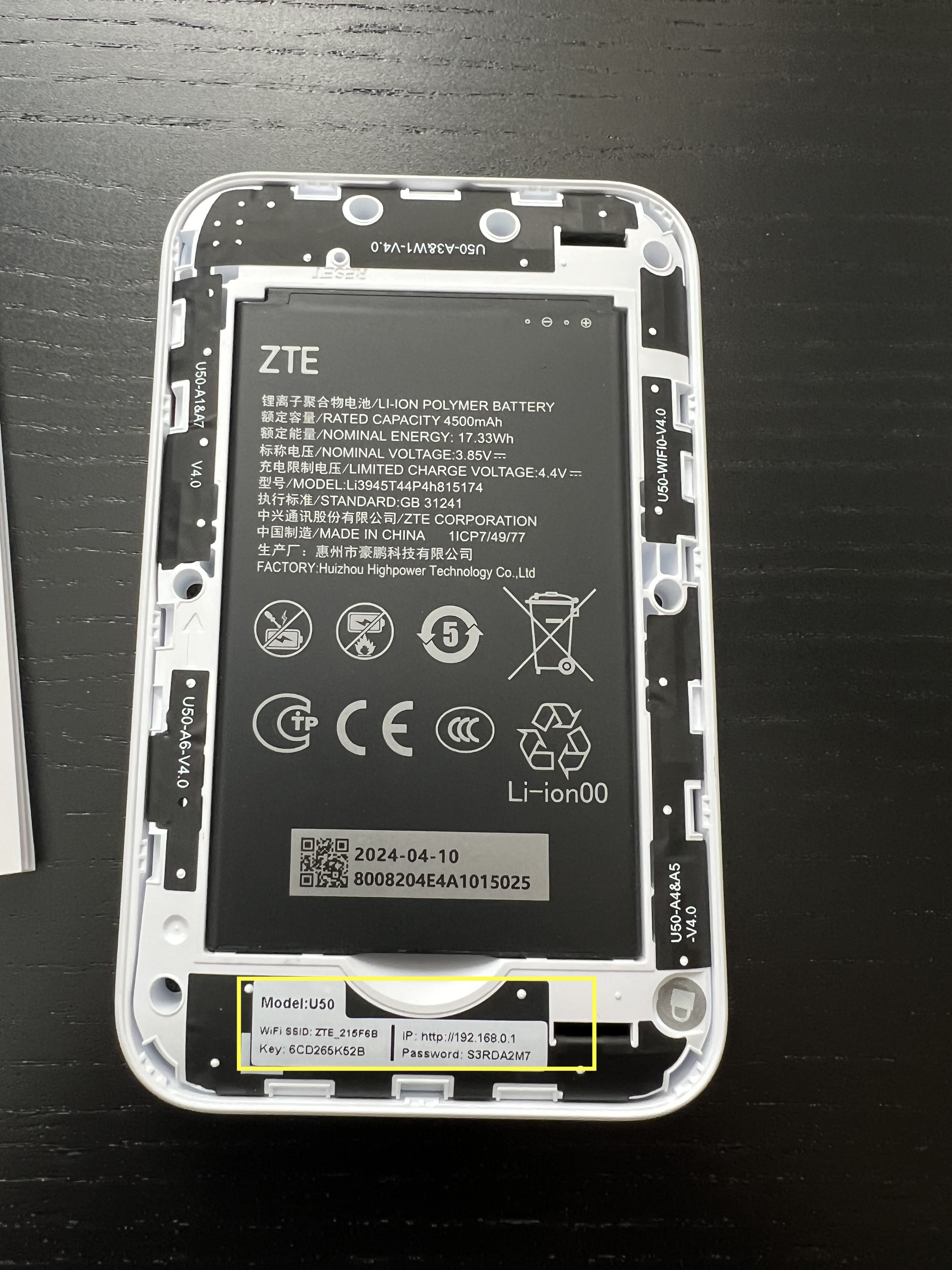
| Item | Description | Example |
|---|---|---|
| WiFi SSID | Network name visible when scanning for wireless connections | ZTE_215F6B |
| WiFi Key | The network password required for device connection | — |
| WebUI IP | URL to access router configuration | http://192.168.0.1 |
| Password | Administrative login credential (case-sensitive); distinct from WiFi password | — |
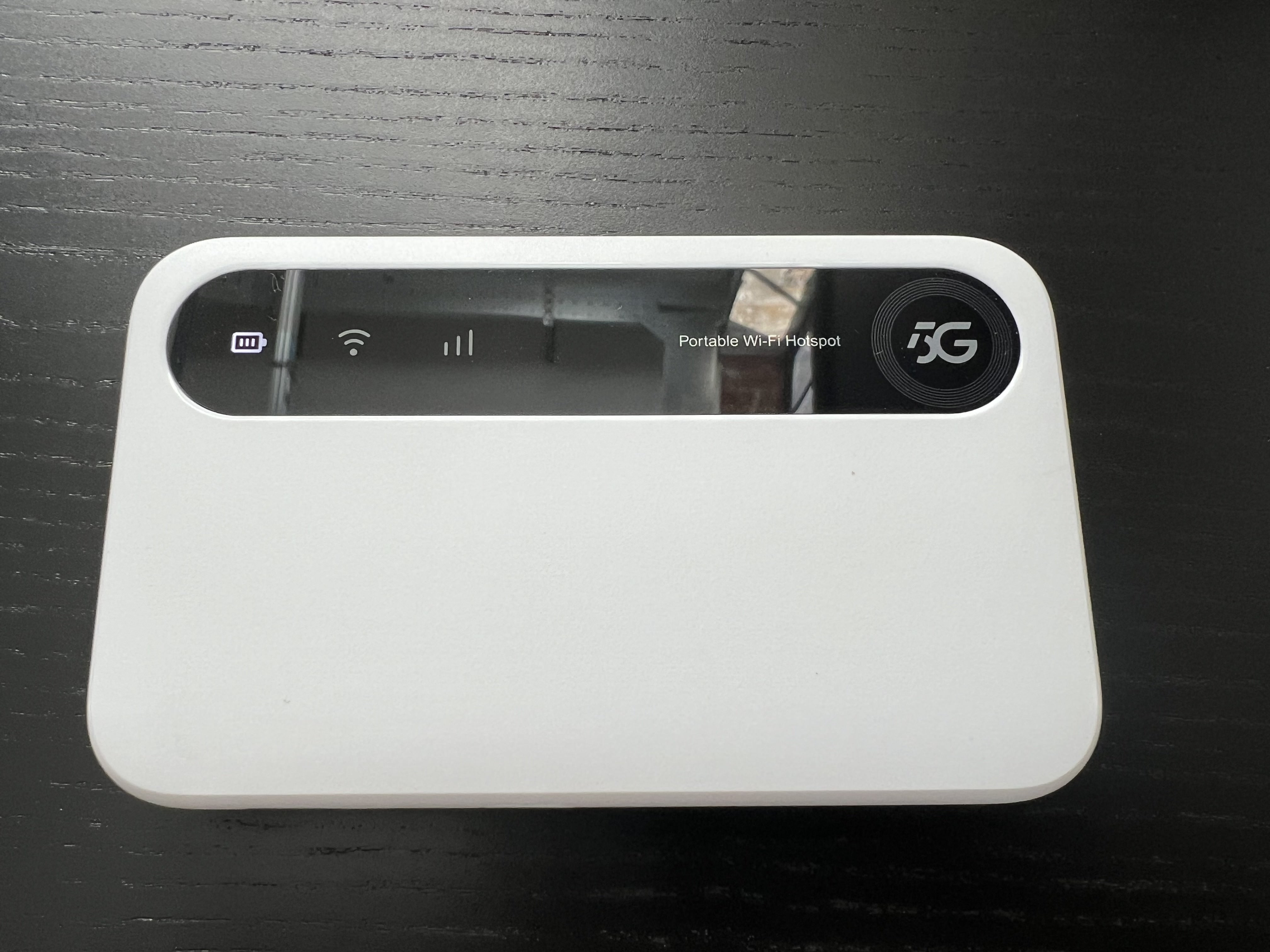
Step 3: WiFi Connection
Power on the device and establish WiFi connectivity:
- Open your device's Wi-Fi settings menu.
- Locate the ZTE network name from the sticker.
- Enter the corresponding WiFi Key when prompted.
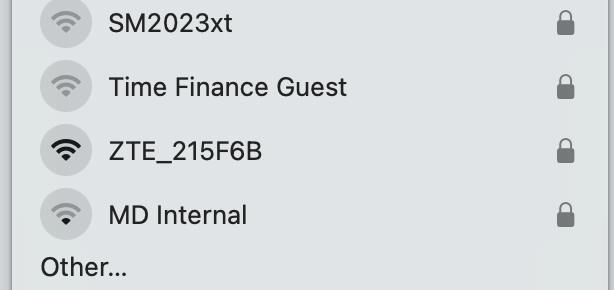
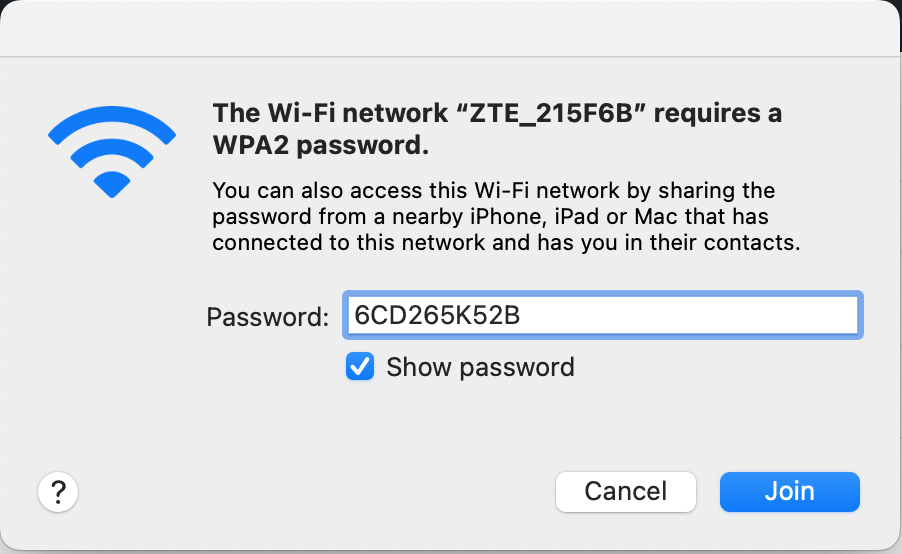
This connection is essential — many configuration issues stem from attempting setup without an active WiFi connection to the router.
Step 4: Interface Access and Configuration
Open any web browser and navigate to http://192.168.0.1
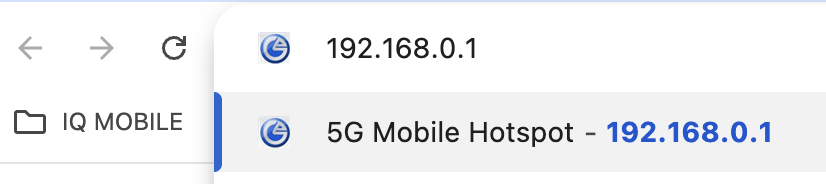

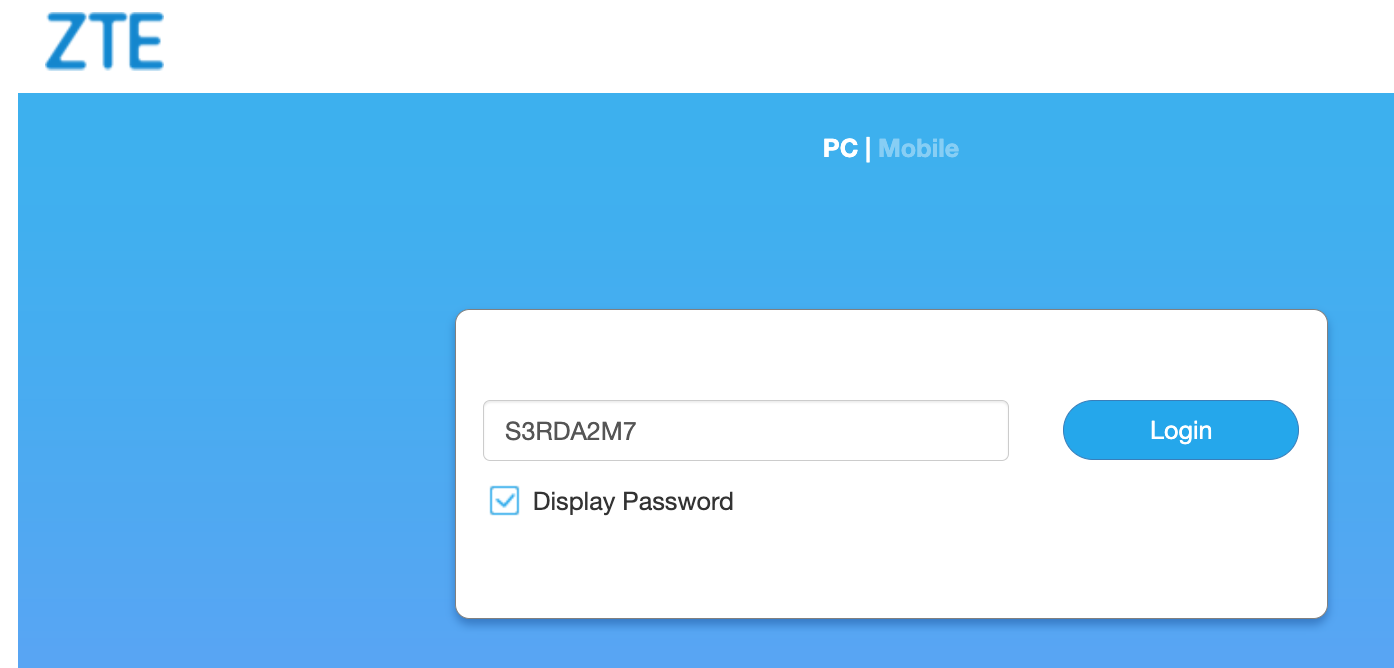
Open a web browser and enter the WebUI IP address in the address bar (not as a search query). The login screen will request the password from the device sticker. Once authenticated, the dashboard displays.
The dashboard displays all key configuration areas. Key configuration areas are under "My Router," which contains 5G and WiFi settings.
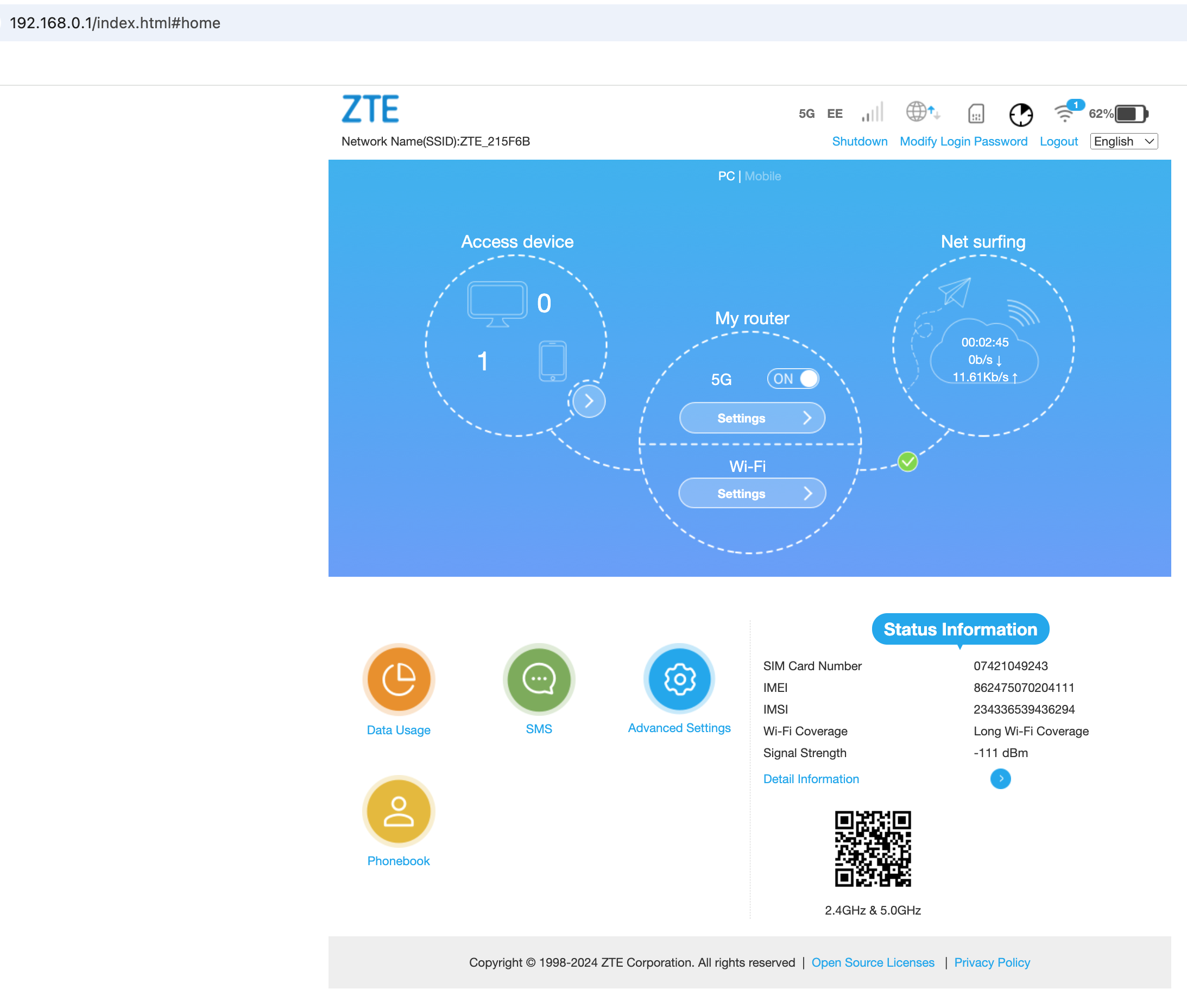
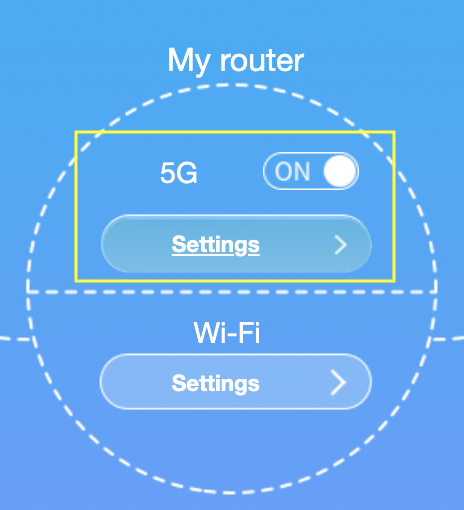
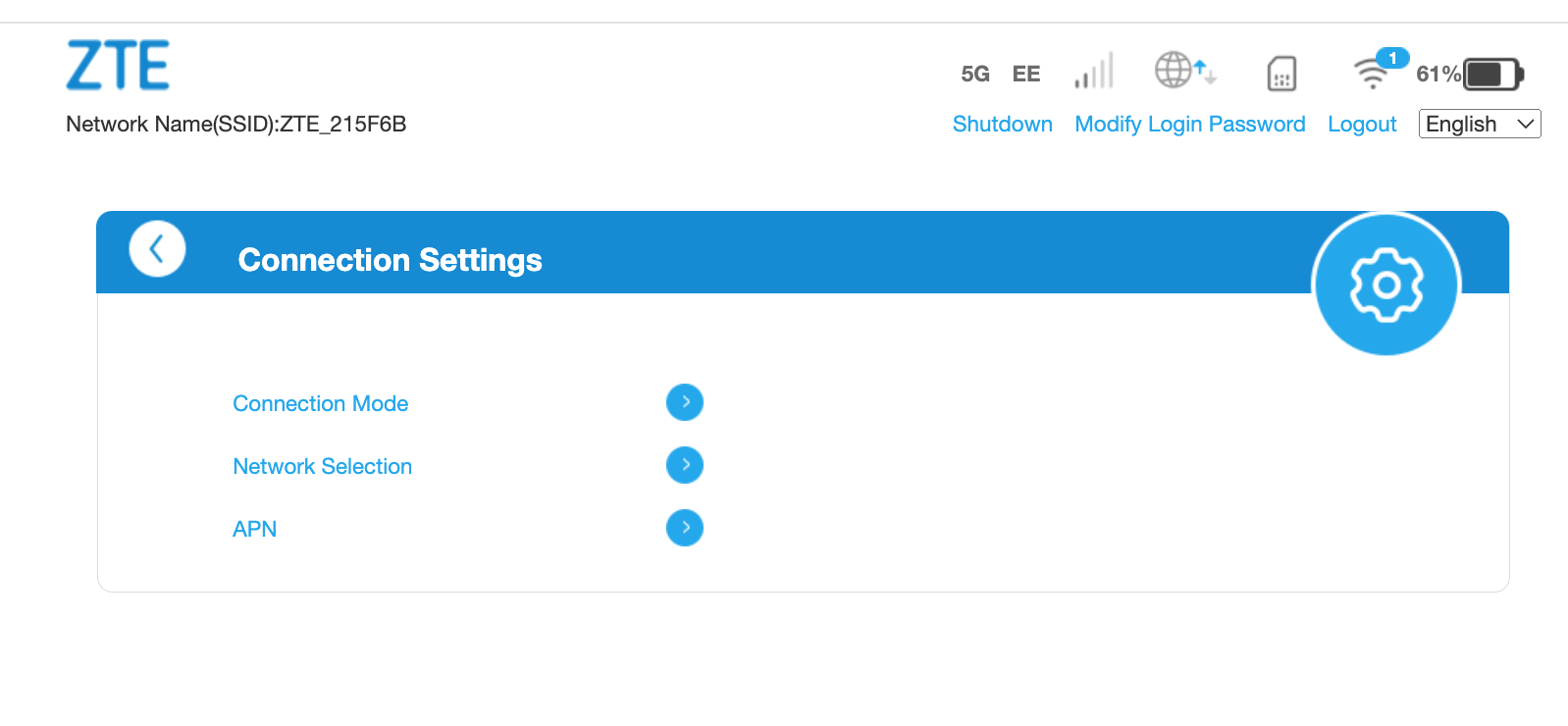
5G Settings: Connection Mode
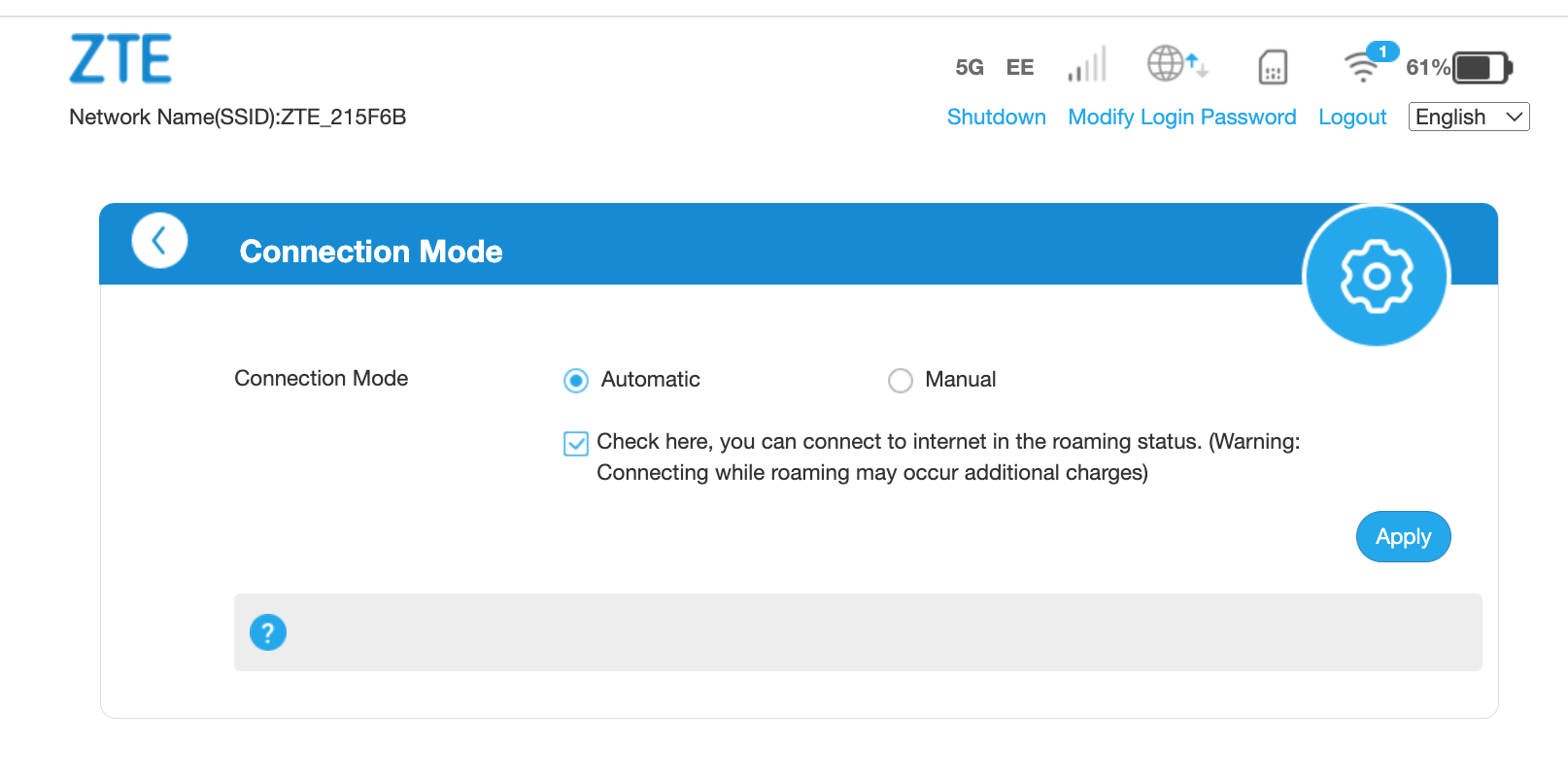
Enable the roaming checkbox. IQ Mobile data SIMs offer roam-like-home service throughout Europe without additional charges.
5G Settings: Network Selection
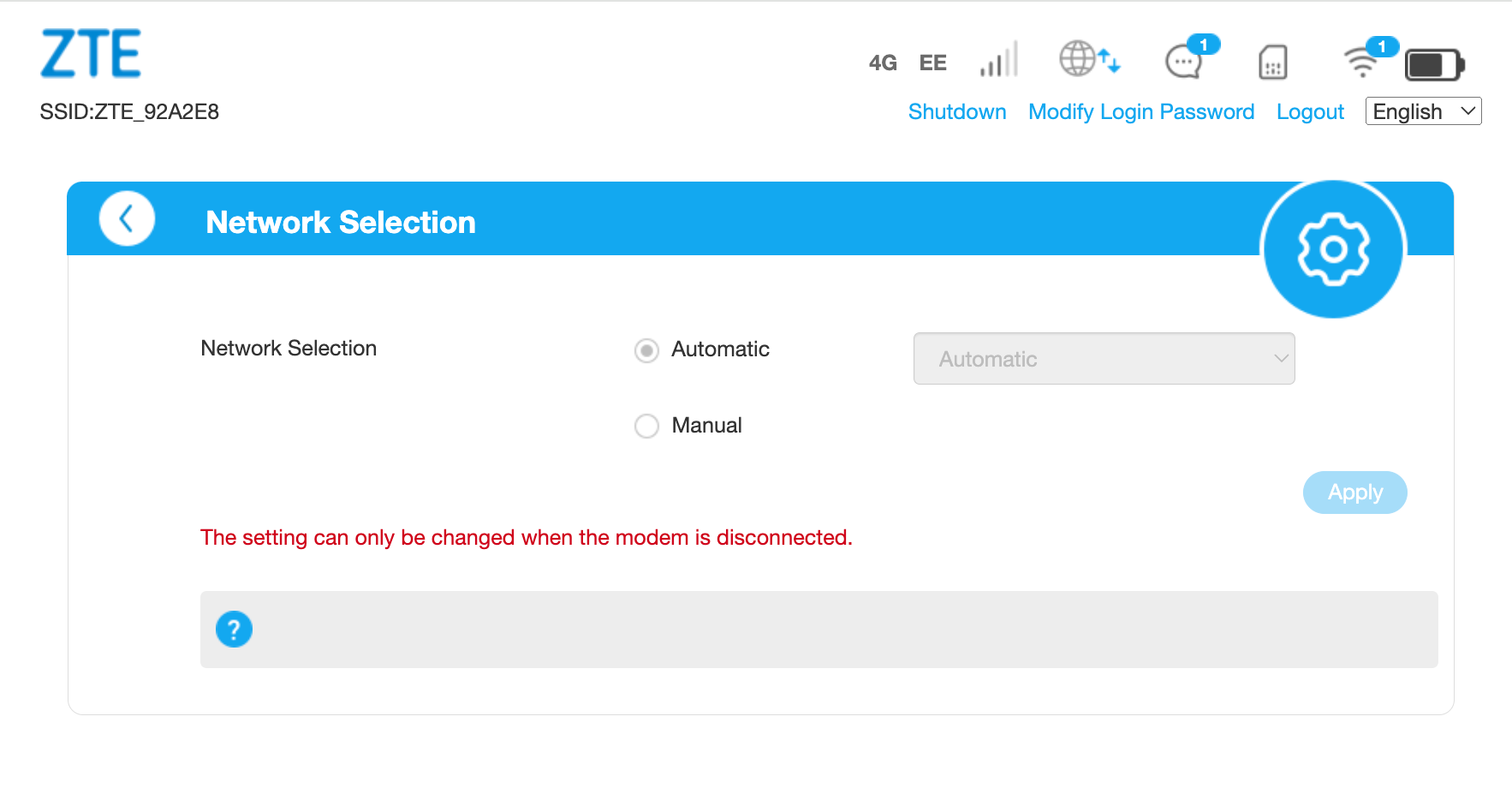
You can manually select networks when travelling, allowing preference for faster or more reliable coverage. The default automatic setting is recommended when not actively roaming.
5G Settings: APN Settings
Default configuration is set to "Auto" with these standard parameters:
| Field | Value |
|---|---|
| APN | everywhere |
| Authentication | PAP |
| Username | eesecure |
| Password | secure |
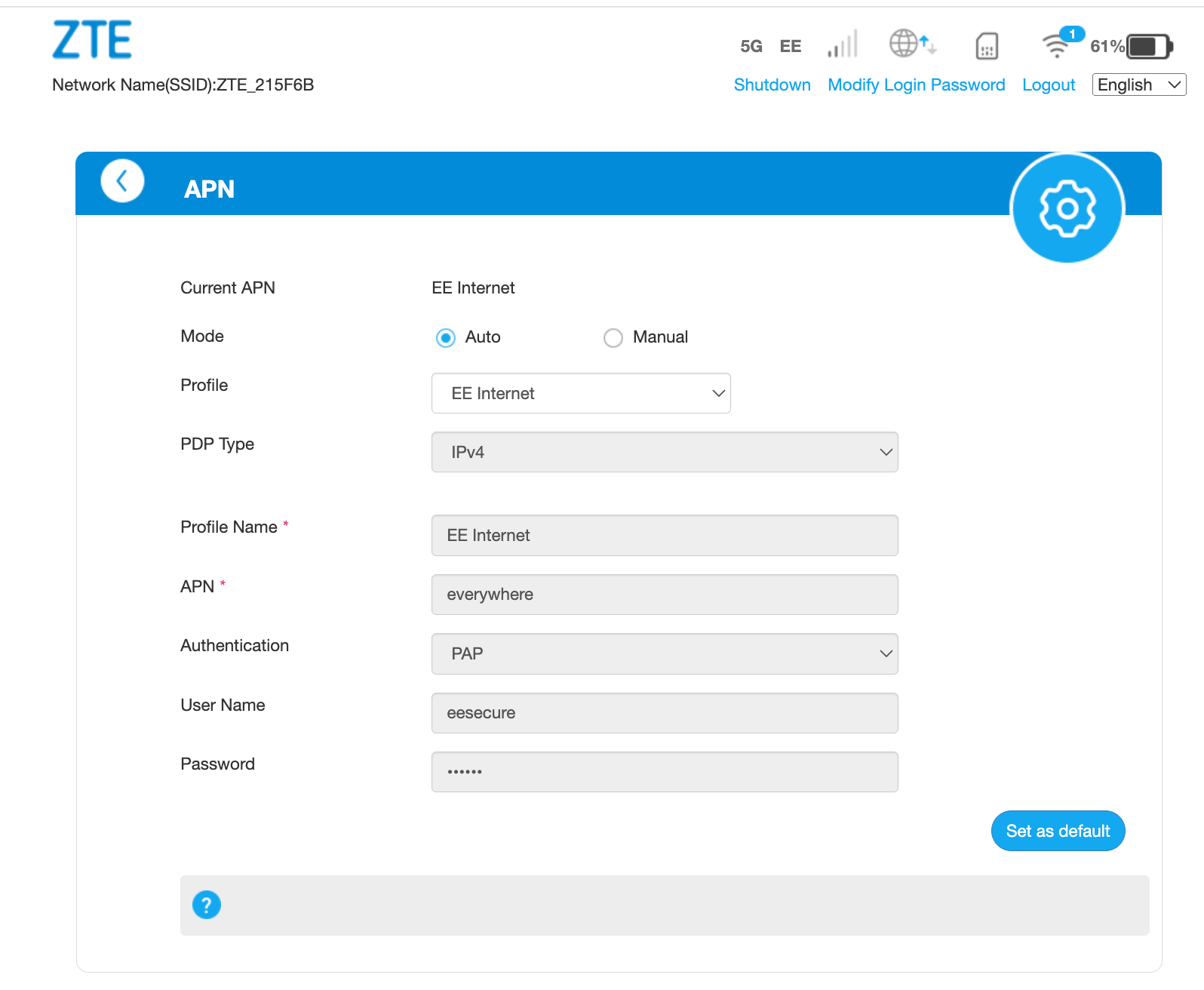
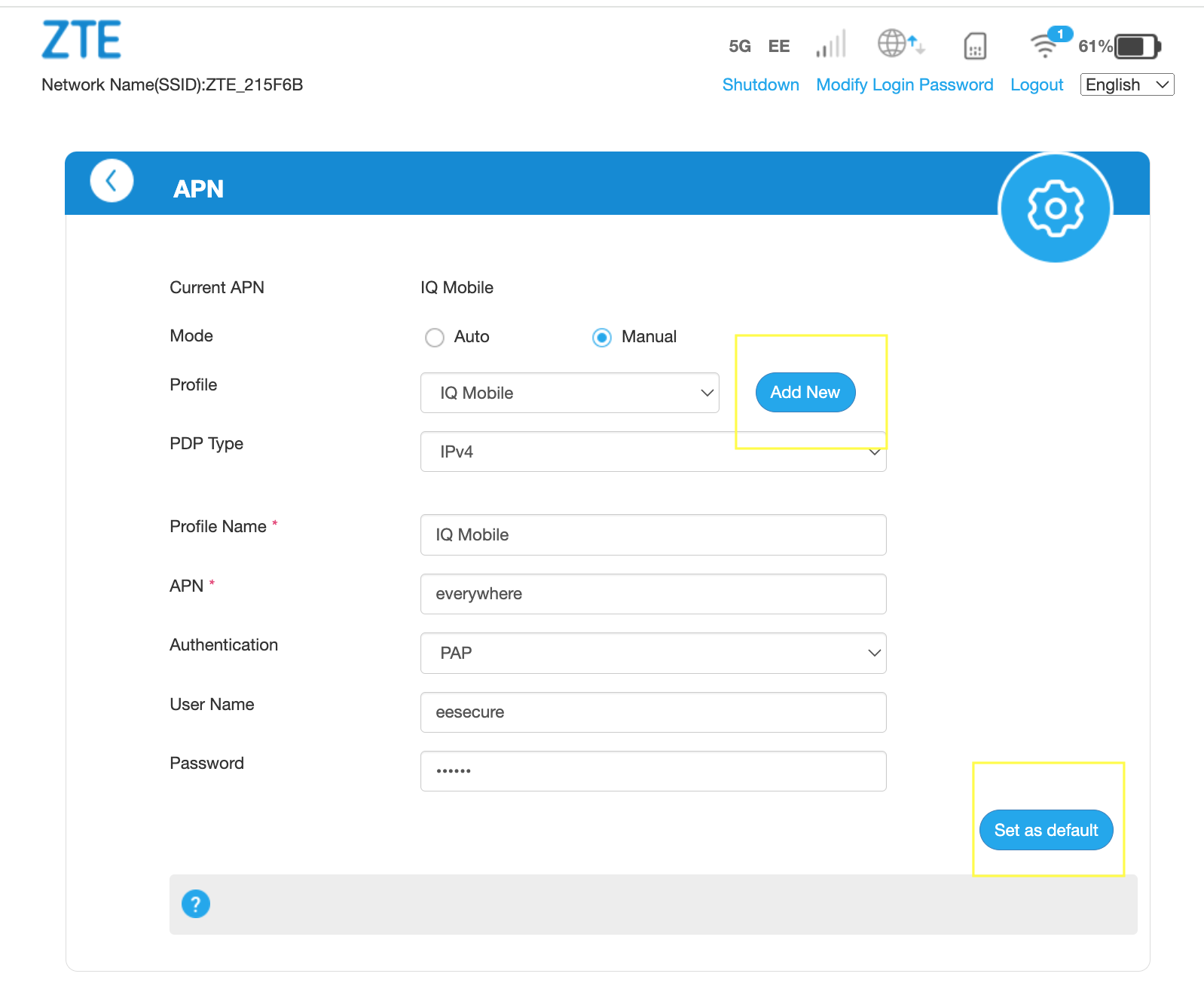
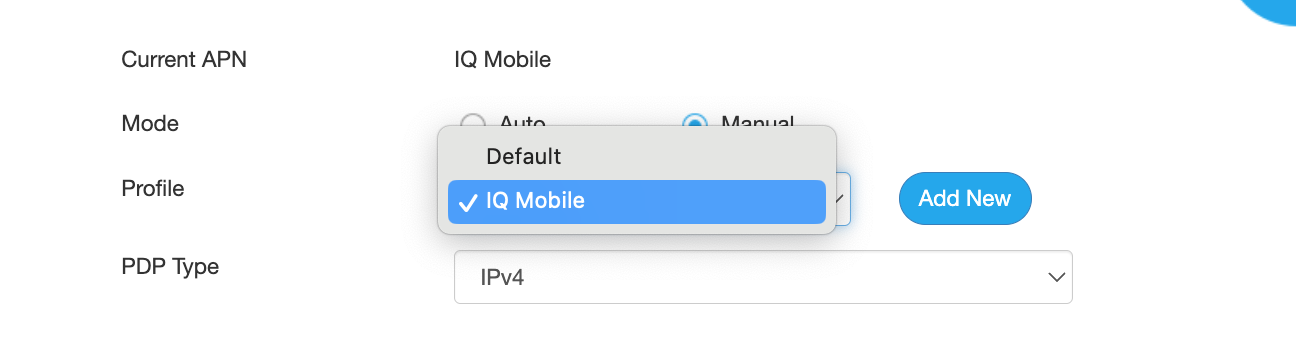
For multiple SIM profiles, you can manually add and store additional APN configurations by selecting "Add New" and saving profiles for future switching.
Need a SIM for this router?
Every router in these guides takes a standard data SIM. Touring in a caravan or motorhome? A Travel SIM keeps you online across Europe too.
Still need help?
Our UK-based team is here for you