Account & Billing
Refer-a-Friend Help Article
Want £5 off your next bill? This guide will cover the refer-a-friend scheme and show you how to benefit from it, both as an existing customer and a new one!
For Existing Customers
When you refer a new customer, you will get £5 off your next billable invoice - your code can be used multiple times, but only once per new customer.
Where to find your Referral Code and Link
You'll be able to find your referral code by logging into our customer portal and going to My Billing -> Referrals
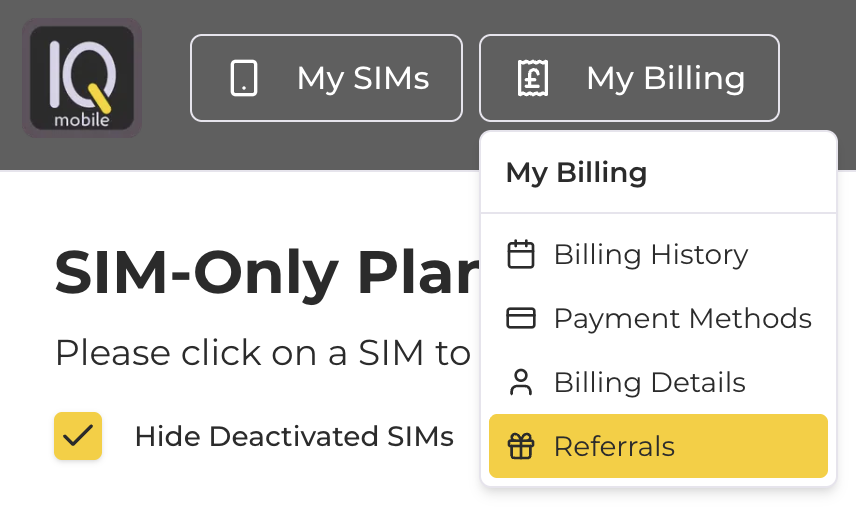
You can also get there by going to my.helloiq.uk/referrals
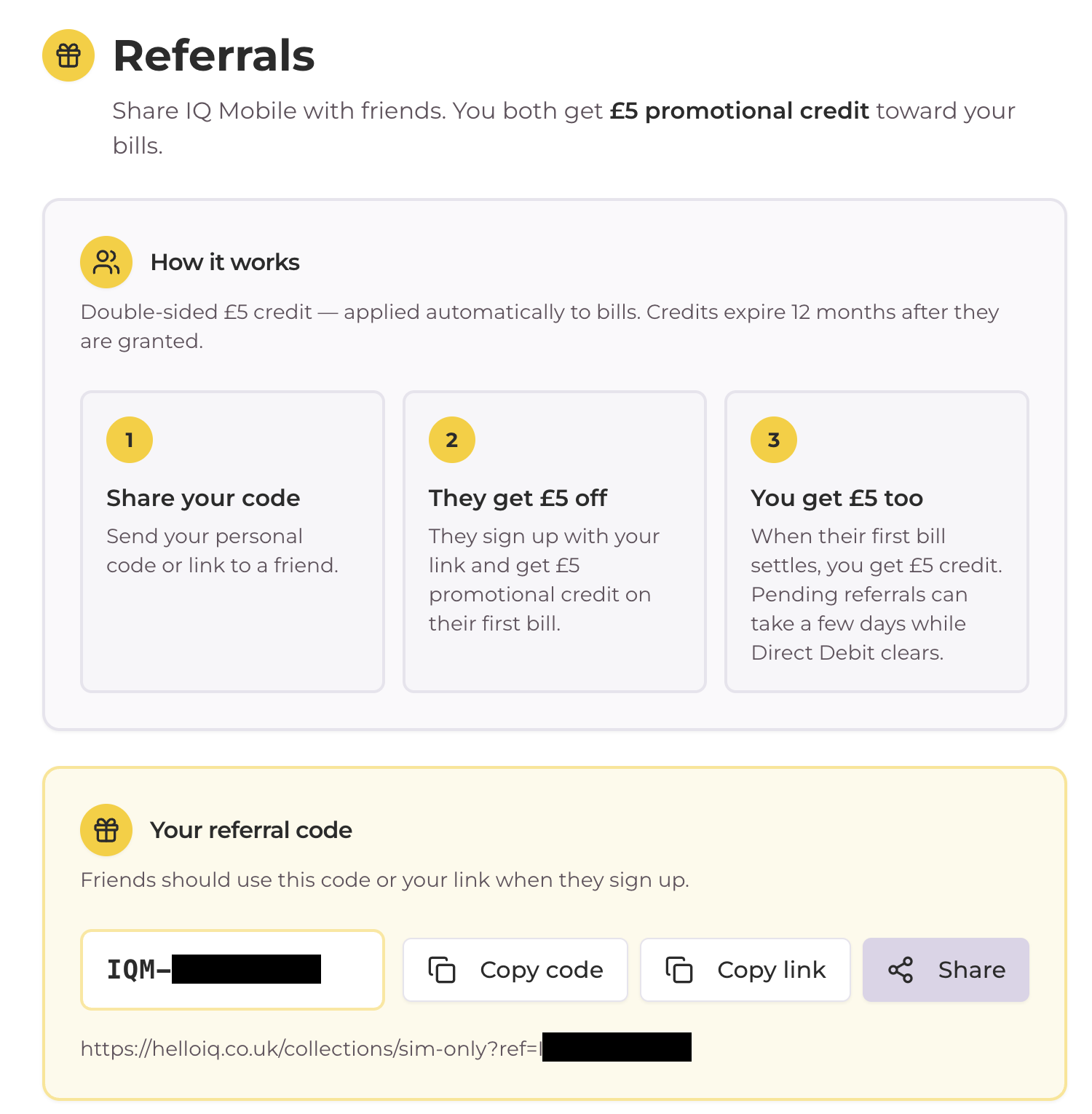
In the Referrals section, you'll be able to view your code, copy it to your clipboard, copy your referral shop link, and share your code via other apps and socials:
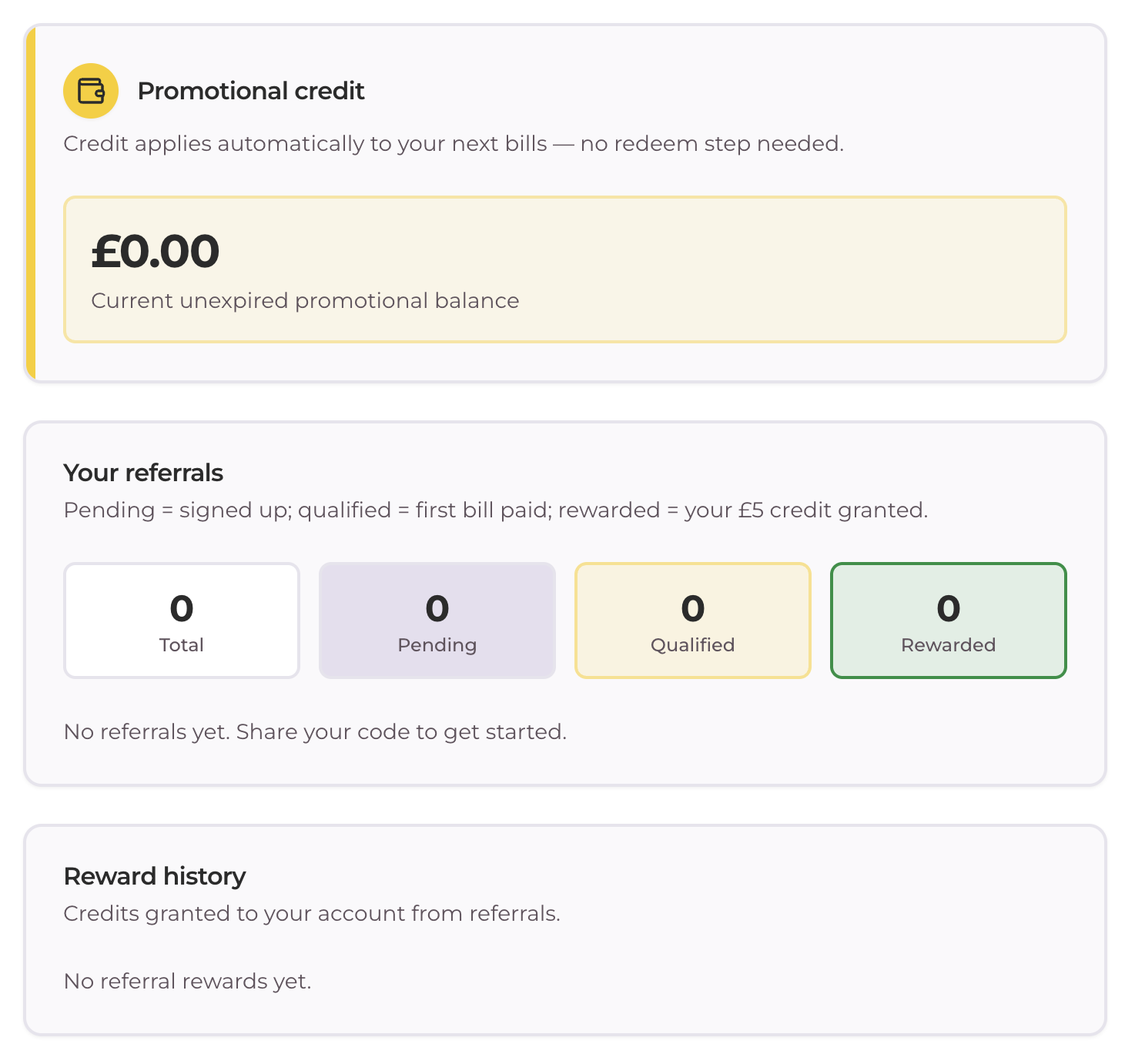
Scroll a bit further down, and you'll see your referral history, including how much credit you've gained, and who you've referred so far:
For New Customers
New customers can use a referral code in two places:
- Take £5 off of the £10 SIM purchase
- Take £5 off your first month when activating your new SIM plan
You can only use a referral code once on your account - a second SIM doesn't mean you can use a referral code again, as you've already been referred at that point!
Redeeming a Referral on your SIM Purchase
Using a Referral Code?
To redeem your £5 off, go to www.helloiq.co.uk/refer and enter your referral code when prompted:
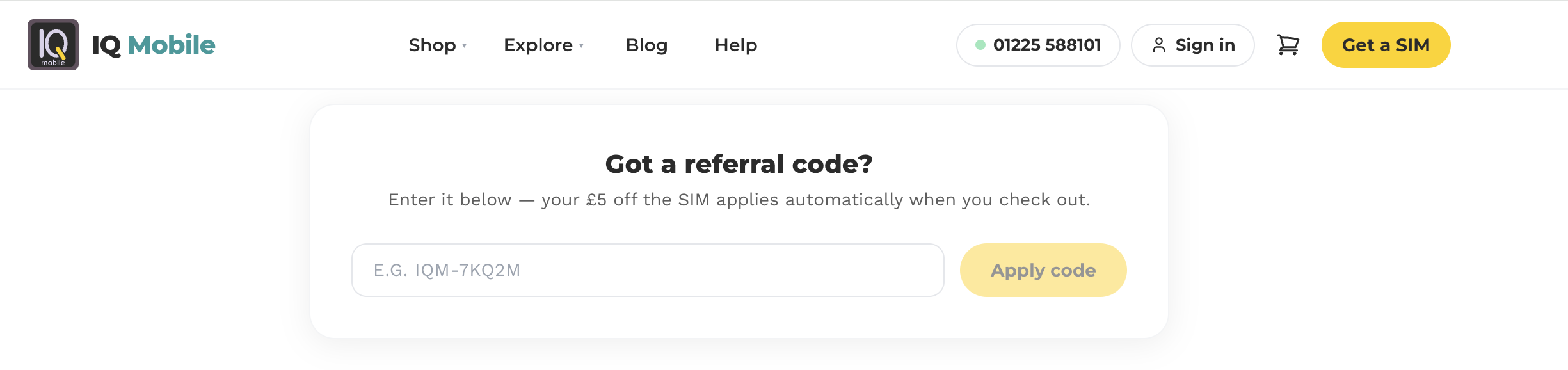
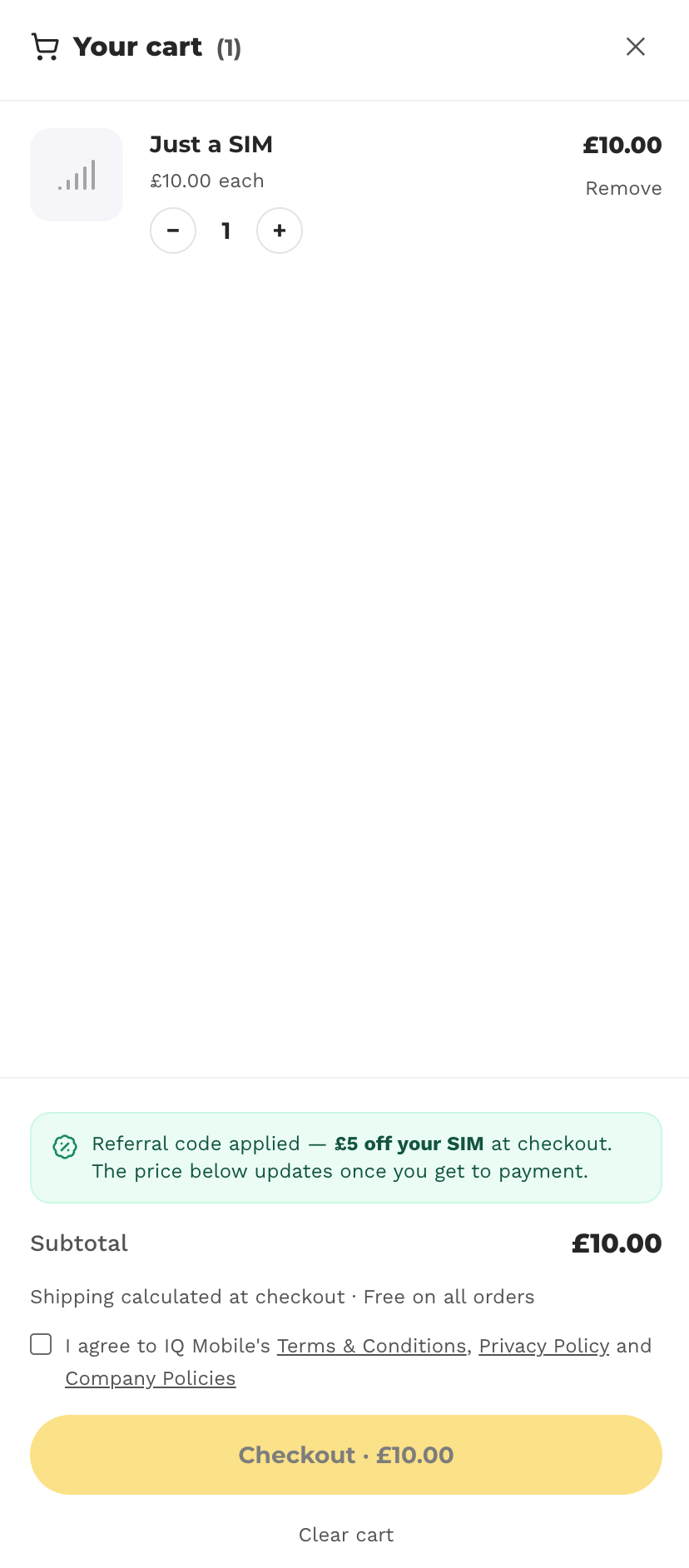
If the code is valid, your £5 will be then be taken off in the checkout!
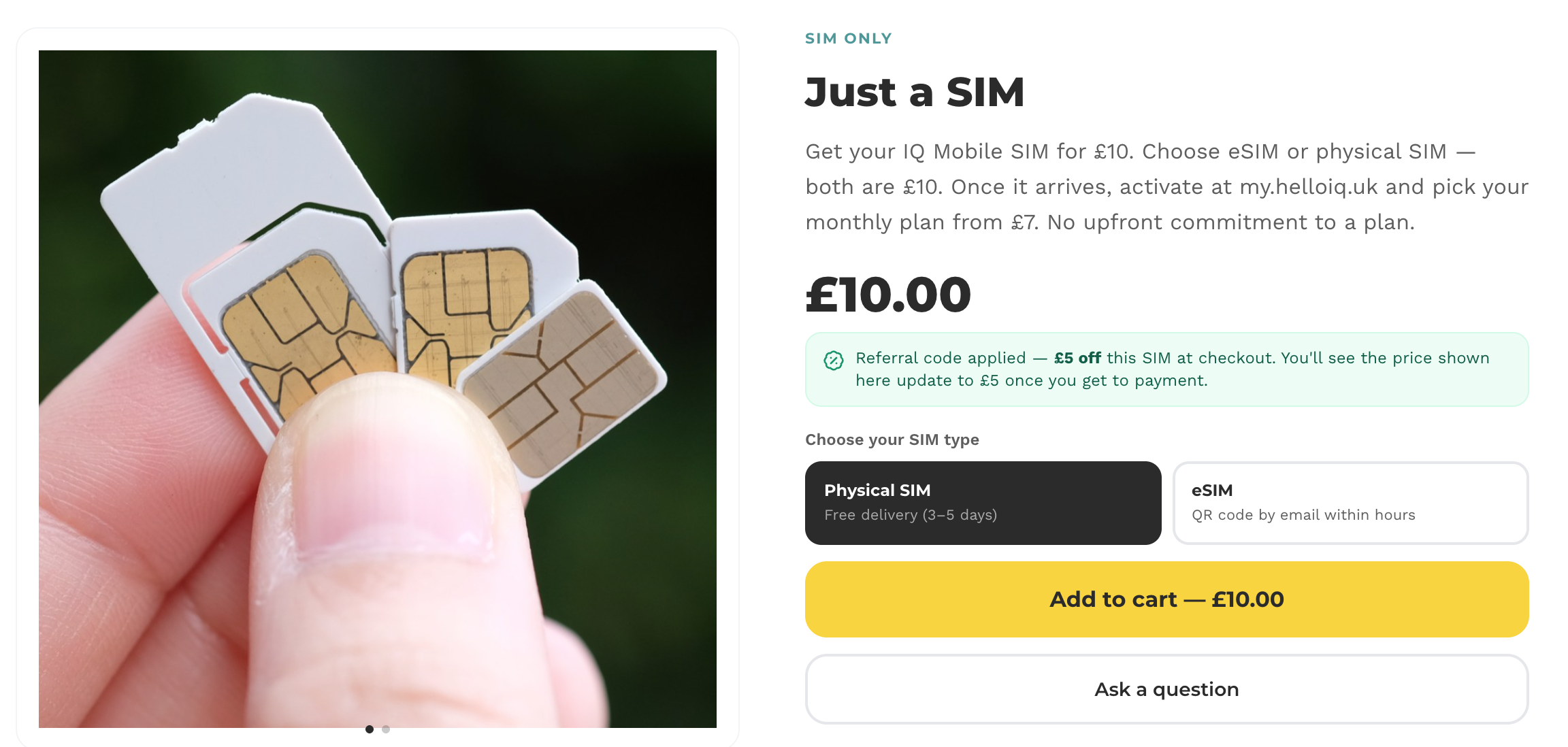
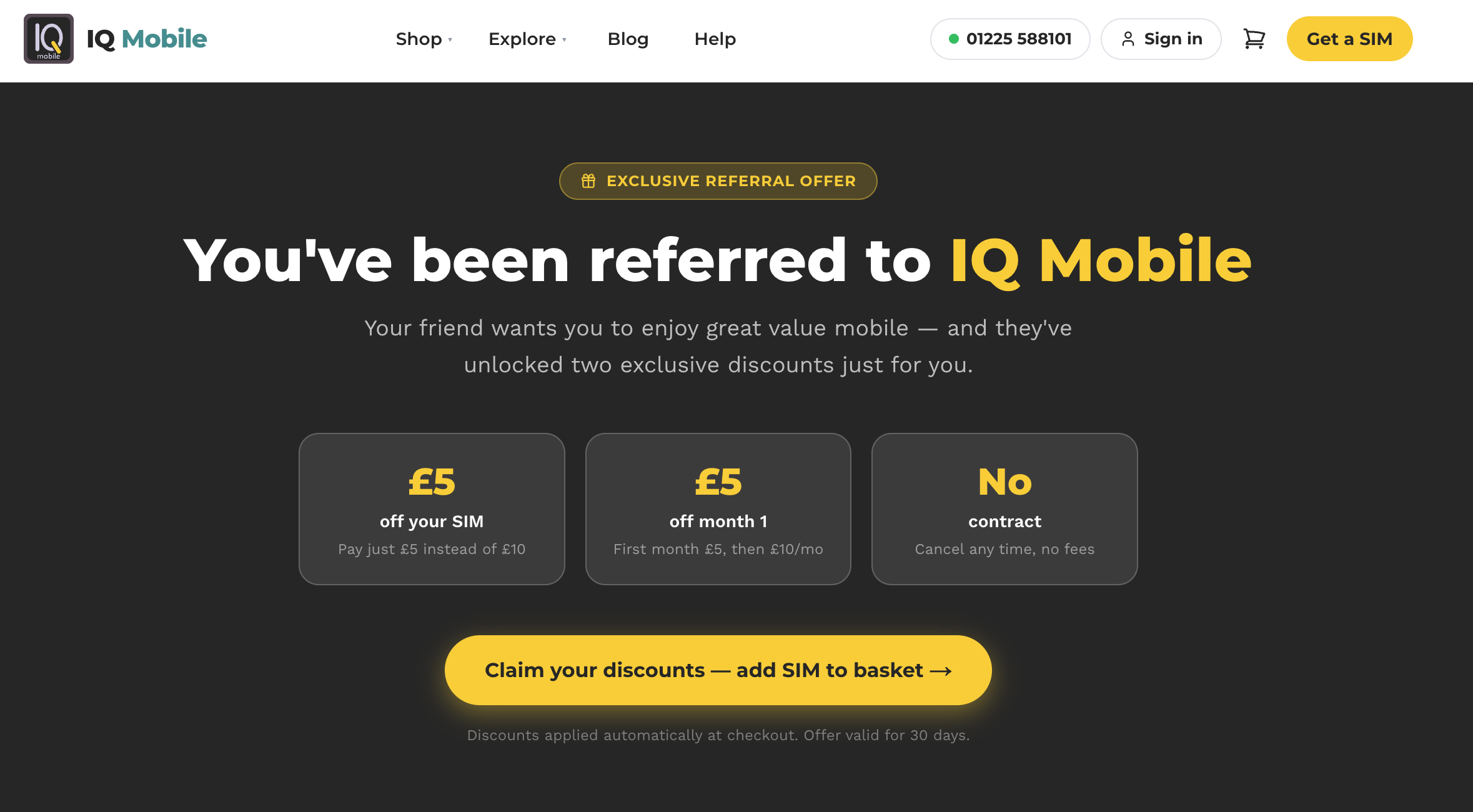
Have a Referral URL Instead?
Using a valid referral URL, you'll be able to add the £5 SIM to your basket:
Your referral offer will be taken off during the checkout:
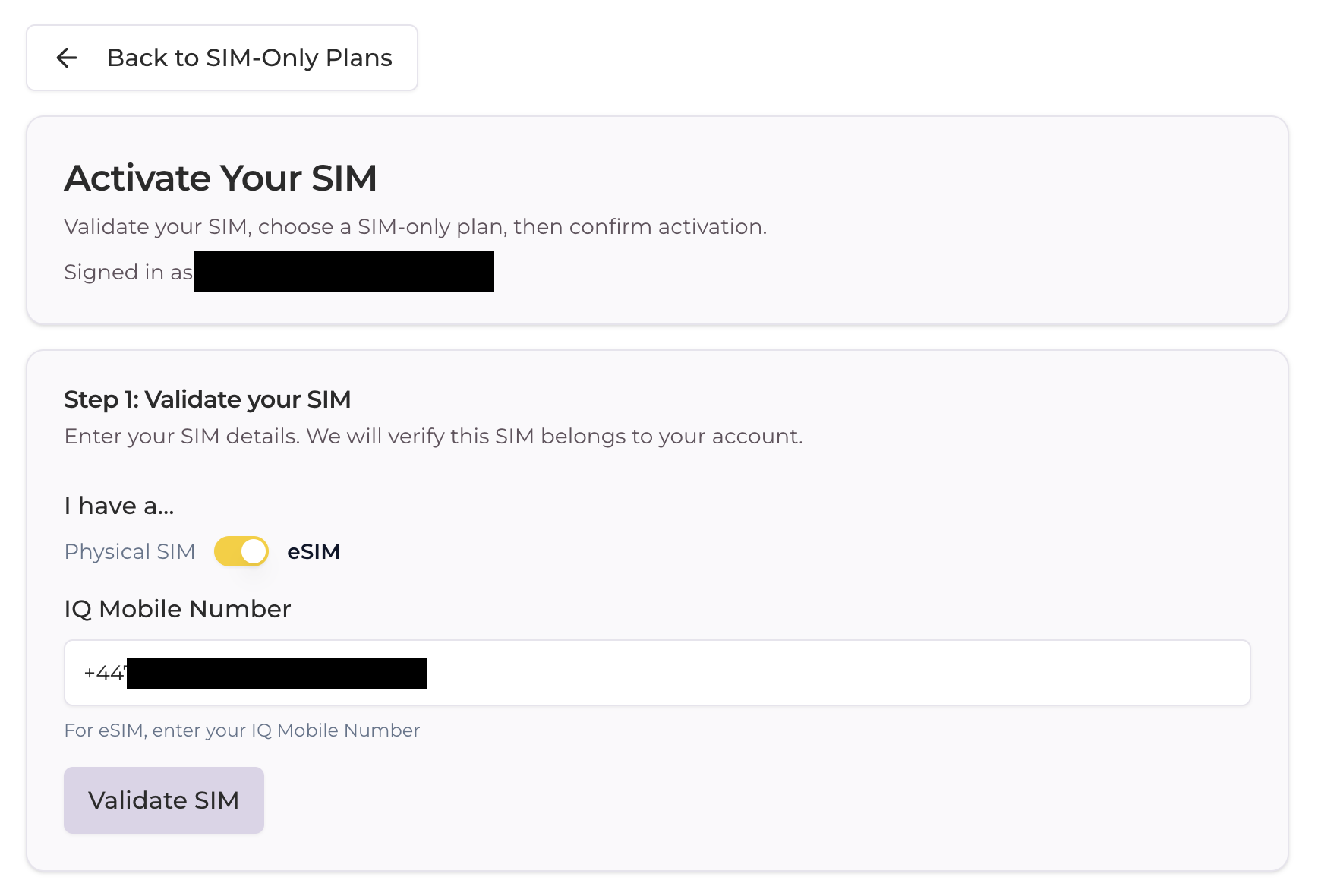
Using a Referral Code when activating your SIM
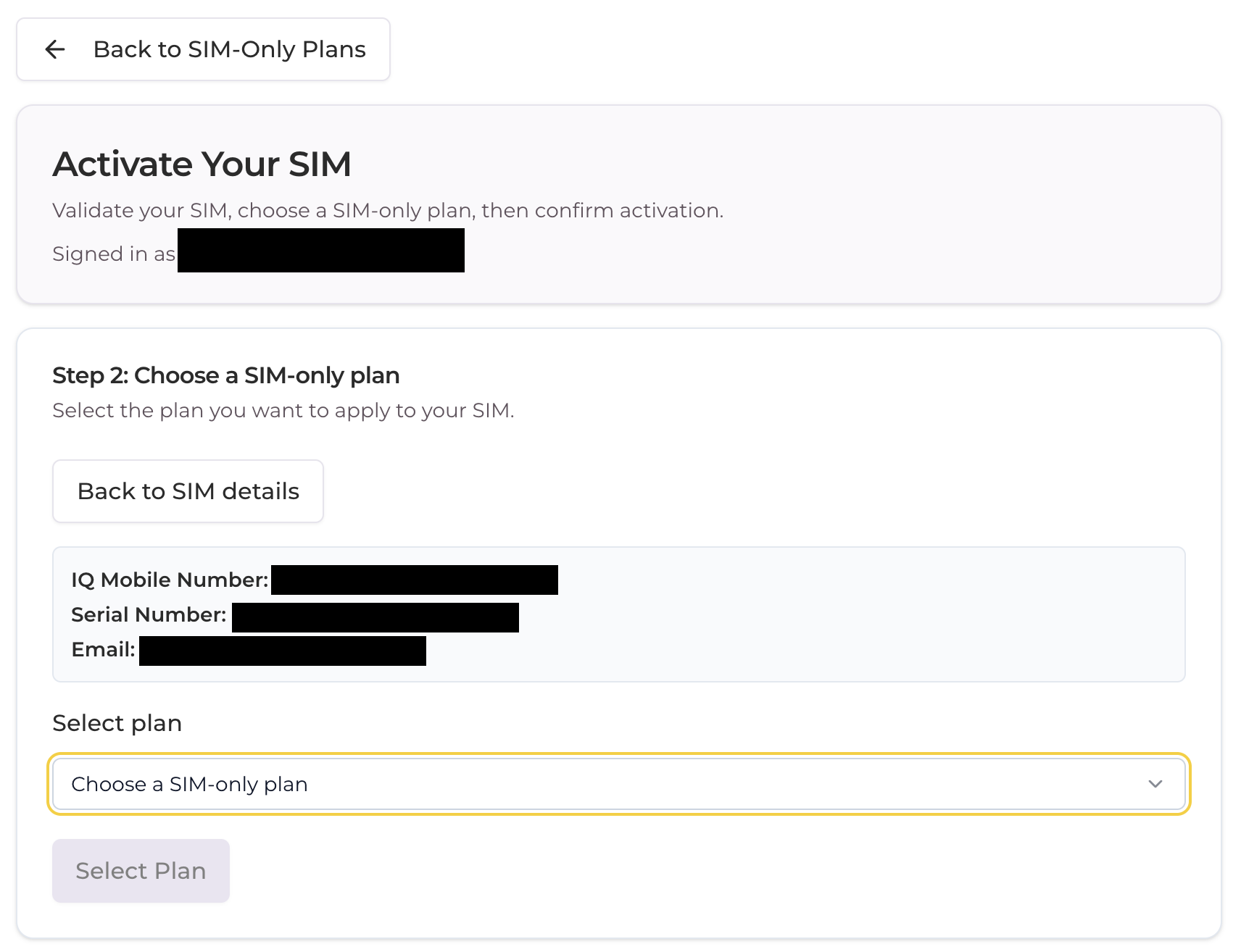
When activating your new SIM plan at my.helloiq.uk/activate, you'll need to first make an account and validate your SIM, then continue to Step 2:
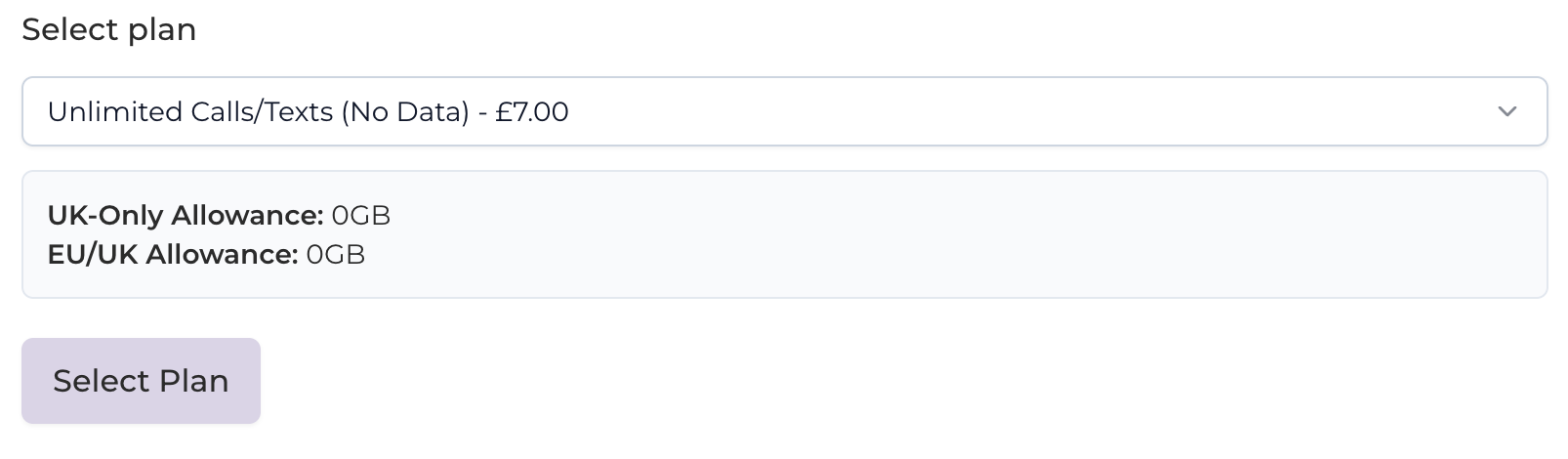
Select the plan you'd like for your SIM, and continue to Step 3:
Finally, enter your Referral Code in the text entry box and press Validate - if the code is valid, you'll be able to proceed to setting up a payment method:
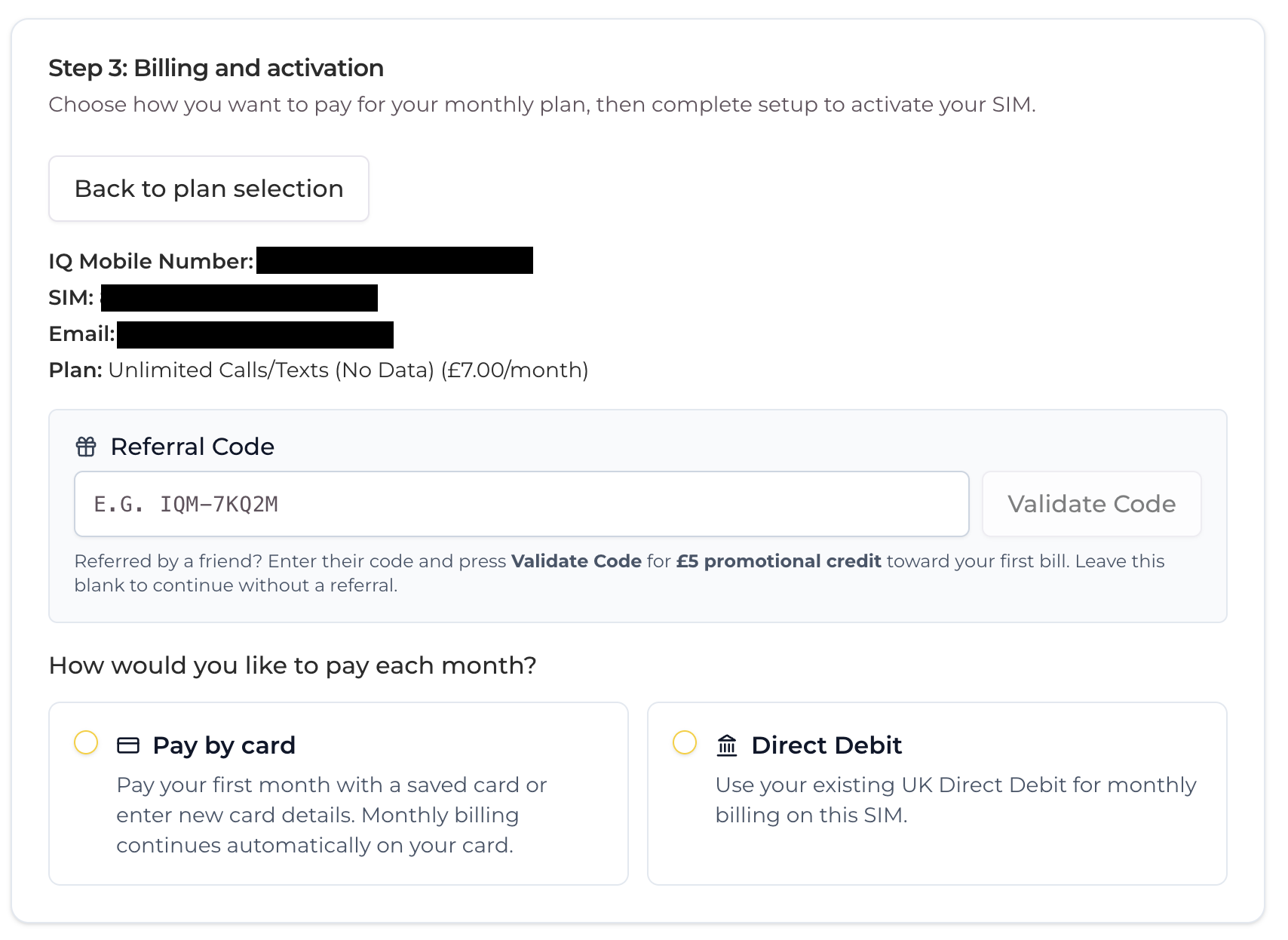
The rest is hands-off - your £5 will be taken off on your next monthly bill, and the person who referred you will gain £5 of credit on their next bill!
Still need help?
Our UK-based team is here for you