Portable Router or Phone Hotspot? What Actually Decides It
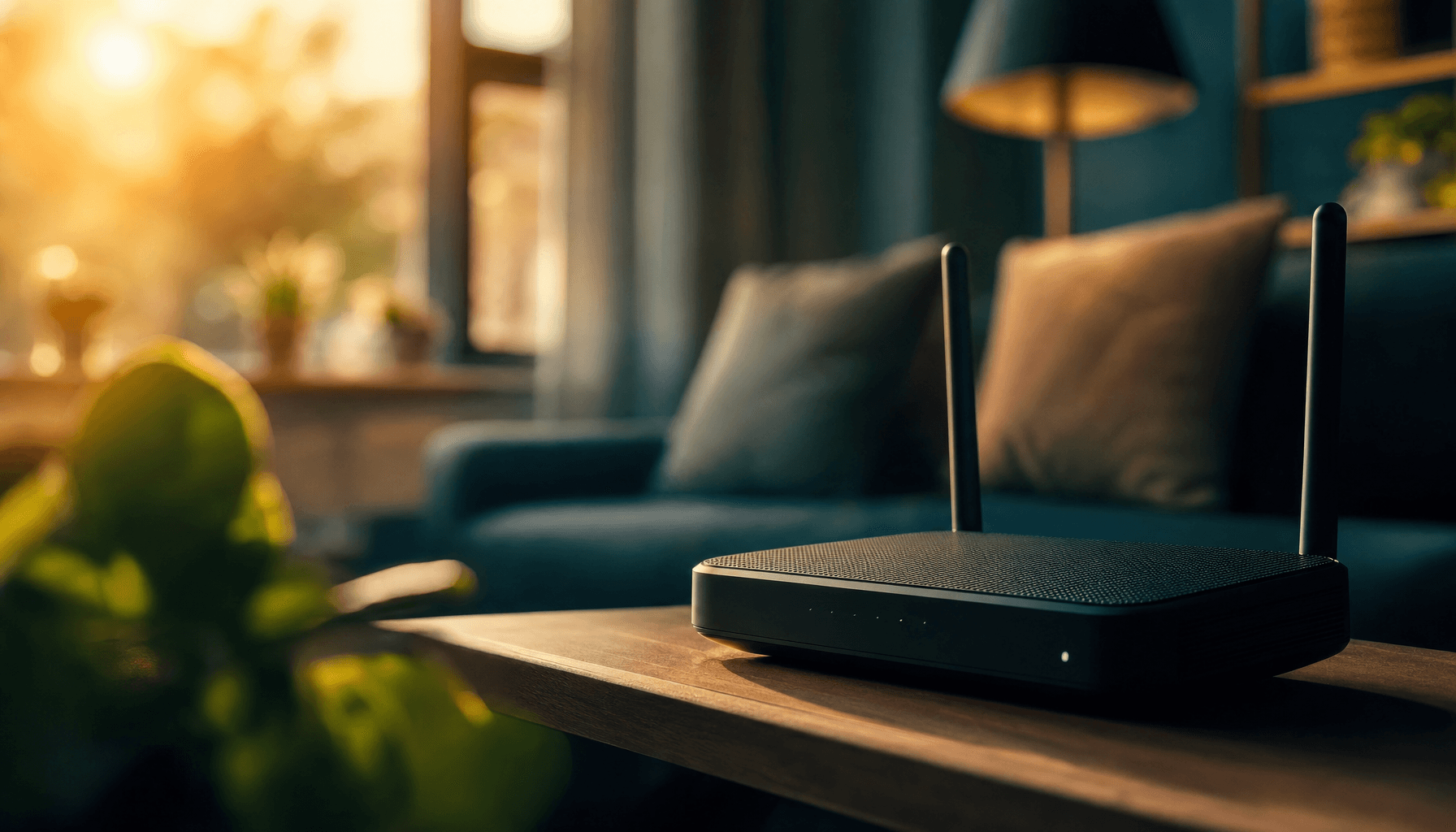
Your phone can already share its data as a WiFi hotspot — so why would anyone buy a separate router to do the same thing? The honest answer: usually you don't need to. But there are a handful of situations where a dedicated router is a genuinely better tool, not just an extra gadget.
What's actually different
A phone hotspot is software your phone already has — turn it on, and nearby devices connect to your phone's own data connection. Nothing to buy, nothing to charge separately, nothing extra to carry.
A portable router (sometimes called MiFi) is a dedicated device built to do one job well: take a mobile signal and turn it into a stable WiFi network. That focus shows up in three places:
- Range and reliability. A dedicated router typically has a stronger antenna than a phone, so it holds a steadier connection and reaches further — useful across a house, a holiday let, or a busy family gathering.
- How many devices, for how long. Phone hotspots work fine for one or two devices for a short while. A dedicated router is built to hold a stable connection for several devices over hours, without everything slowing down as more people join.
- Your phone stays your phone. Running a hotspot drains your phone's battery and eats into your phone's own data plan at the same time. A separate router has its own battery and its own data — your phone stays free to actually use.
When a phone hotspot is genuinely enough
Be honest about this rather than assuming a router is always better:
- One device, for a short session — checking email at a café, a quick video call
- You're not far from your phone, and battery isn't a concern
- You don't want to think about a second device or a second SIM
When a dedicated router earns its keep
- Working from somewhere without fixed broadband for a full day — a router's battery isn't shared with anything else, and won't leave you stranded mid-call
- Several people or devices sharing one connection — a laptop, a tablet, and a couple of phones all online at once, without your actual phone slowing to a crawl
- Travelling as a family or group — one router in a hotel room or hire car beats everyone burning their own phone battery and data separately
- You want the connection to outlast your phone's battery — some routers now run considerably longer than a phone ever would on hotspot duty
What that looks like in real devices
Not every router is built for the same job. A few real examples, by what they're actually for:
- A simple, affordable travel companion — a basic 4G router that does one thing (connect to mobile data, share it over WiFi) without extra features to think about.
- A step up for regular use — WiFi 6, a real display showing signal and battery at a glance, and enough battery life to genuinely last a working day.
- A serious home-broadband replacement — 5G speeds, dozens of devices connected at once, and battery life measured in the better part of a day rather than a few hours.
👉 See our full range of routers →
Frequently asked questions
Is a portable router better than my phone's hotspot? It depends what you need. For one device and a short session, your phone's hotspot is usually enough. For several devices, a full working day away from power, or travelling as a group, a dedicated router holds a more stable connection without draining your phone.
Does using my phone as a hotspot use extra data? No extra data beyond what's actually transferred, but it does draw on your phone's own data allowance and battery at the same time — both of which a separate router keeps off your phone entirely.
Can a portable router replace home broadband? For many households, yes — a 5G router can genuinely replace a fixed line, particularly if fibre isn't available or you're moving house and don't want to wait on an install.
How many devices can connect to a portable router? It varies by model — some support around 30 devices at once, others considerably more. Worth checking if you're planning to connect a lot of devices simultaneously.
Enjoyed this article?
Browse more guides or find the right SIM for you.